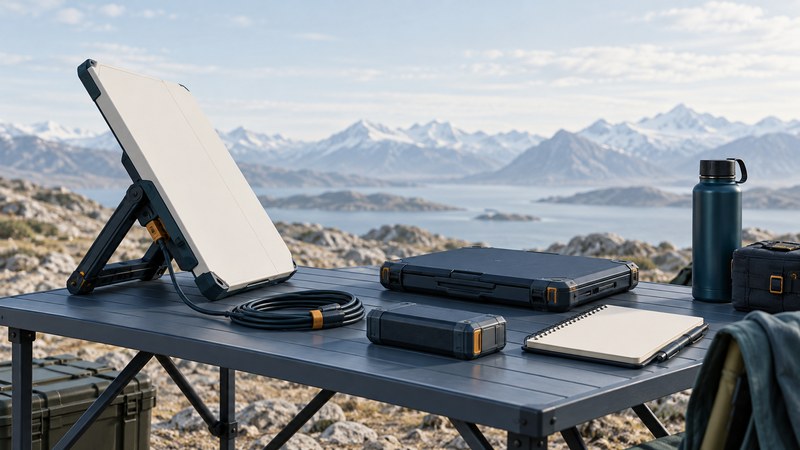
BGAN—Broadband Global Area Network—is a portable satellite voice and data service used when terrestrial connectivity is unavailable or unsuitable. It is particularly useful to assess for field reports, essential communications and modest file transfers. Choose the terminal, service mode and airtime together; a device's maximum rate is only one part of the decision.
Match the service to the task
Viasat's BGAN overview describes a family of terminals supporting portable voice and data communications. Stationary portable, vehicle and other terminal arrangements have different capabilities. Identify the exact model and permitted use before planning to operate while moving.
The October 2024 Viasat brochure describes Standard IP as a shared channel with rates up to 492 kbps and separate Streaming IP options. Use these service-mode descriptions alongside the chosen terminal's specifications and current service terms. The brochure's coverage description excludes extreme polar regions; confirm the current coverage and service availability for the actual location with the supplier.
Make a short task list: send an email, upload compressed inspection images, exchange a document, make a voice call. If continuous high-resolution video or large bulk transfers are essential, request a demonstrated solution for that workload and compare other satellite options.
Choose the data mode deliberately
Scroll the table horizontally on small screens. Keyboard users can focus the table region and use the arrow keys.
| Decision | Practical meaning | Confirm before travel |
|---|---|---|
| Standard IP | Shared packet-data service; useful for intermittent transfers. | Terminal rate, billing units, allowance, background traffic and overage. |
| Streaming IP | A selected streaming service for time-sensitive traffic. | Supported rate, reservation process, charging basis and explicit session stop. |
| Voice plus data | Capabilities depend on terminal and enabled service. | Handset or app compatibility, dialing format and simultaneous-use behavior. |
| Portable versus moving use | Terminal mounting, tracking and service permissions differ. | The exact device and plan support the intended operating mode. |
A browser tab or connected laptop may send data without a deliberate upload. Prepare the field computer before departure: complete approved updates, pause nonessential cloud synchronization and use metered-connection controls where available. Keep essential security controls active and test the actual VPN rather than assuming it will behave the same as on office broadband.
Build a small, visible data budget
Measure actual use during a rehearsal and replace the allowance with evidence. Downloads, acknowledgments, VPN overhead, failed attempts and unexpected updates can consume airtime. Ask how the plan counts and rounds usage, and whether a streaming session continues to incur charges while the application is idle.
Prepare equipment and evidence before departure
- Confirm the service. Record provider, terminal model, current firmware, SIM/account activation, coverage and country-specific availability. Use Viasat's partner directory to find the relevant supplier.
- Save the correct manual offline. Match its model and revision to the equipment. Record pointing, power, environmental and clearance requirements from that manual.
- Rehearse the full workflow. Register the terminal, establish the intended data mode, connect the field computer, send a known file and confirm receipt with the destination team.
- Test the power arrangement. Use approved chargers and accessories. Record measured runtime for the full kit under a representative workload, including the laptop.
- Pack recovery information. Keep provider contacts, account reference, configuration backup and an alternative communication method accessible offline.
Keep passwords and SIM credentials in your organization's approved credential store, separate from a general equipment checklist. Verify that another team member can use the recovery process.
Separate pointing, registration and data service
At the site, follow the manufacturer's sequence for selecting a stable position, obtaining a clear view, pointing and registering. Pointing quality is useful evidence, but it is distinct from network registration and an active data session. Record these stages separately when troubleshooting.
If pointing is poor, inspect the view and setup using the manual's indications. If pointing is adequate but registration fails, record the displayed error and check service activation with the provider. If registered but an application fails, check data-session state, local connection and application configuration before changing antenna settings.
Make one documented change at a time. Capture the time, location, indicators and result so remote support can interpret the problem. End chargeable sessions using the documented method, verify their final state and record the usage counter before packing the terminal.
Keep the field plan usable offline
The BGAN field and data-budget record combines the rehearsal, daily workload and recovery notes. Review its assumptions whenever the terminal, airtime plan or field application changes.
For larger ongoing workloads, compare satellite broadband services. For the full connection path and power dependencies, see how satellite links work.
Sources and further reading
Source links reviewed September 28, 2026. Check current service terms, equipment documents and operational notices when applying the guide.