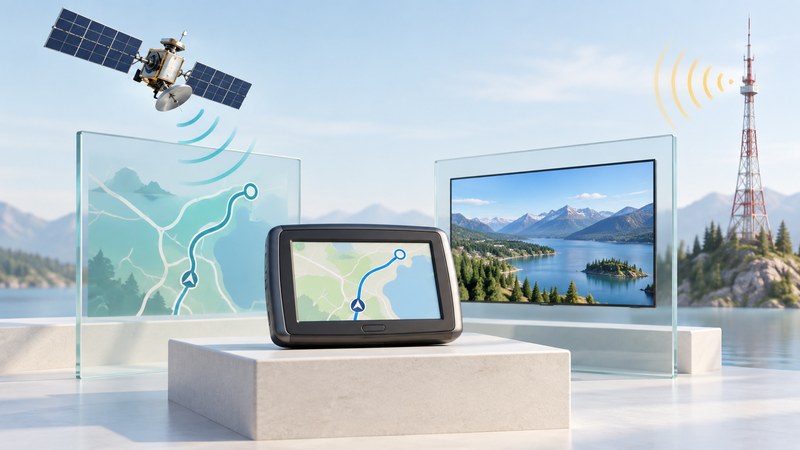
Some late-2000s personal navigation devices combined a GPS navigator with a terrestrial digital television receiver. A shared screen made the combination convenient, but navigation and television depended on different signals, hardware and data. That distinction is the starting point for understanding or collecting one of these devices.
This historical guide explains the design and a method for identifying an existing unit. Evaluate a TV feature while stationary. Present reception depends on the exact tuner and available local broadcasts, which must be checked separately from its original sales region.
Why television appeared on navigators
Mio’s June 2009 product announcement introduced the Moov V500 and V700 with built-in digital TV. It presented entertainment as an additional use for portable navigation hardware. The existing display and portable form made this an understandable product direction; evaluating its success would require separate usage or sales evidence.
Siano’s manufacturer application listing identifies navigation products and the broadcast systems associated with them. Read it as evidence of listed product configurations. Establish present local broadcasts and the variant inside a particular secondhand device separately.
Follow the two signal paths
The navigation side receives satellite signals, calculates a position and combines that result with maps and routing software. The television side needs a compatible terrestrial broadcast, antenna, tuner and decoding system. Shared power and a display can support both functions while leaving their reception requirements separate.
This yields a useful diagnostic distinction. A navigator might obtain a position and show a map even when its television channel scan finds nothing. Conversely, a television picture provides evidence about television reception; inspect satellite status and map behavior separately to assess navigation.
| Listed product | Listed broadcast system | Check on a specimen |
|---|---|---|
| Garmin nüvi 1480C | CMMB | Exact regional model and corresponding manual |
| Mio V730 | CMMB | Model label and television settings |
| Mio Moov V500/V700 | DVB-T or CMMB | Which variant and standard the unit supports |
| Yecon JWD Brazil | ISDB-T | Precise product identity and tuner documentation |
The alternatives in the V500/V700 listing make variant identification essential; verify support for each system in the exact manual. Product-family names and a seller’s country are weaker evidence than a matching manual and device identification.
Build an identification record first
- Photograph the model and regional suffix. Record the firmware version, original sales region if documented, and included antenna/accessories.
- Find the exact manual. Locate its supported broadcast standard, frequencies or bands, codec requirements and any conditional-access description.
- Record which statements come from the manual and which are observations on the unit. Keep missing specifications marked unknown.
- Check an official broadcaster or regulator for the present local transmission standard and coverage. Record the source and access date.
- Compare the two sets of requirements before trying a documented channel scan.
A matching standard name is a starting point; regional implementation, service access and the complete receiver specification can still matter. Avoid buying an accessory or concluding that a tuner is faulty solely because an old product listing mentions a country.
Interpret a reception test narrowly
Illustrative test: a device displays its stored road map and acquires a GPS position, but finds zero TV channels during a stationary scan. Record the navigation result separately. For television, check the documented scan mode, antenna arrangement and current compatible broadcasts before assigning a cause.
Keep place, time, antenna setup and test conditions with the result. A successful channel at one location demonstrates that configuration there; reception while traveling requires separate evidence. If compatible local broadcasting cannot be documented, a static exhibit of the interface may be a more defensible goal than restoration of live TV.
Use the GPS/TV identification worksheet to retain this evidence with the device. The GPS chipset and module guide explains the broader role of antennas and integration, and car GPS troubleshooting separates navigation symptoms from other dashboard functions.