Follow Yenra in your feed reader. Choose a subject below, copy its feed address, and add it to the app or service you use for RSS. Headlines and short summaries bring selected guides together in one reading list; each entry links to the full article.
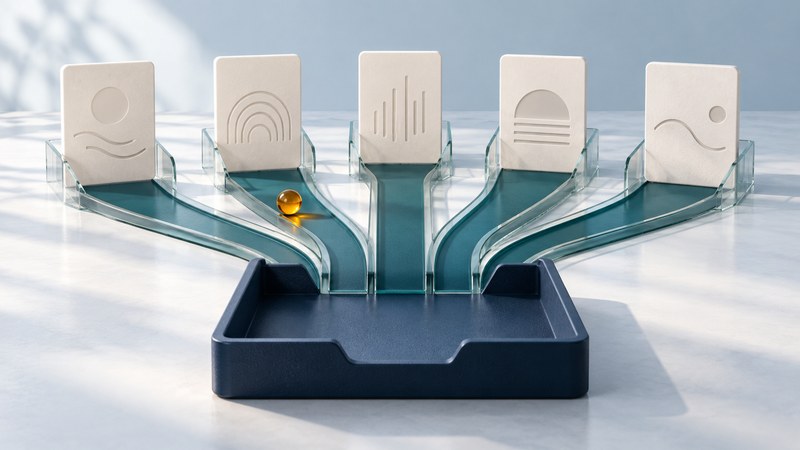
Choose your Yenra feeds
These five category feeds are available now. Add one to start, or import the full set. Each address below points to an RSS file; the category link opens the browsable library.
Environment
Monitoring, water, ecosystems, buildings and climate evidence.
https://yenra.com/feeds/environment.xml
Energy
Electricity, energy systems, efficiency and technology choices.
https://yenra.com/feeds/energy.xml
Science
Research methods, discoveries and the evidence behind them.
https://yenra.com/feeds/science.xml
Robots
Robotics, automation, capabilities and practical limits.
https://yenra.com/feeds/robots.xml
Astronomy
Observing the sky, telescopes and understanding the universe.
https://yenra.com/feeds/astronomy.xml
Start reading in three steps
- Open a feed reader. Use an app or web service that accepts RSS feed URLs. Look for features you need, such as syncing across devices, folders and an OPML export for moving your subscriptions later.
- Add a feed. Copy one of the addresses above. In the reader, choose an option such as Add feed, Subscribe or Follow, paste the full address and confirm the matching Yenra category.
- Check the result. Refresh the feed, open an entry and follow its link to the full Yenra article. You should see the same article title and subject on the website.
For example, paste https://yenra.com/feeds/astronomy.xml to follow Astronomy. Paste the address ending in .xml, rather than this help page's address.
You can read these public feeds without a Yenra account. Your chosen reader may have its own account requirements or paid features. Organize subscriptions into a small number of folders and adjust notifications in the reader to suit your reading routine.
What arrives in a feed?
A web feed is a machine-readable list of entries that a reader checks for changes. Yenra uses RSS 2.0. The RSS specification describes fields such as titles, links, summaries and item identifiers.
- Selected guides. These feeds contain a selection from each subject library. Browse the category for its wider collection.
- Original dates and revision context. An older article can receive a substantial update. Yenra retains its original publication date and identifies revisions in the entry. Depending on the reader, a revised guide may remain under its original date or may appear as updated.
- Shared subjects. A guide can belong to more than one feed. If you follow overlapping subjects, your reader may show it more than once.
- Updates on the reader's schedule. Refresh timing depends on your app or service. A quiet feed may simply have no newly selected or revised entries.
Use the current addresses listed here when subscribing. The feed list will grow as additional subjects become available.
If something looks wrong
The link opens XML or downloads a file
That is the feed itself. Copy the link address and paste it into your reader's subscription field. A browser may show raw XML, a preview or a download prompt.
The reader cannot find the feed
Check that the address begins with https://yenra.com/feeds/, ends in .xml, and has no extra spaces. Try copying the address directly from the matching card above. If the reader's automatic website search fails, adding the exact feed URL can help.
An expected article is missing
Refresh the subscription and check its error status, unread-only filters and date sorting. Look in the category on Yenra as well: the feed is a selection, and a guide's revision may retain its older publication date.
The Copy button does not work
Select the visible address and copy it manually, or use your browser's Copy link address command. The subscription links and OPML download also work without JavaScript.