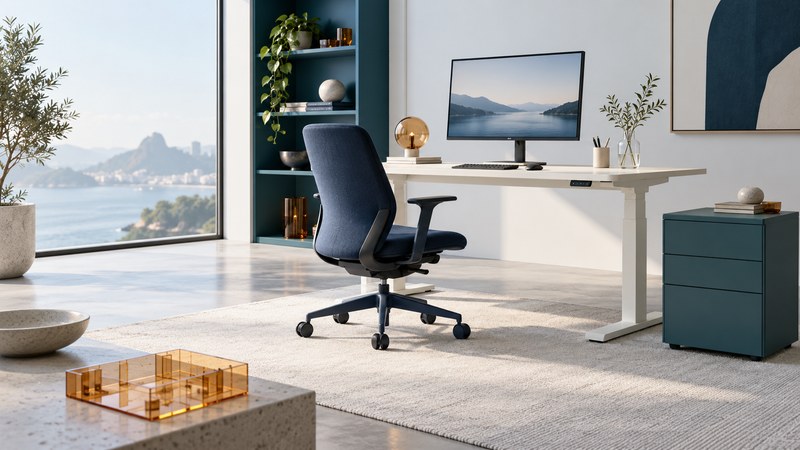
Choose office furniture as a working system: your chair supports you, the desk puts the task within reach, and storage leaves room to move. Start with the person and the work, then compare dimensions and adjustments. A desk that fits the wall can still leave too little space for the keyboard, your legs or the chair.
This guide is for a home office or an individual workstation in a small office. Bring a tape measure, a sketch of the room and a list of the equipment you actually use. The goal is a shortlist you can test, with measurements and unanswered questions recorded before buying.
Measure the work, the room and the route in
List the tasks that share the surface: typing, reading printed pages, handwriting, video calls or handling parcels. Put your keyboard, mouse and usual documents on a table in the arrangement you want. Measure that arrangement, including the monitor stand. This gives you a useful starting footprint instead of a guess based on screen size.
| Measure | Include | What it resolves |
|---|---|---|
| Available floor area | Skirting boards, radiators, door swing and sockets | Where the furniture can actually stand |
| Working surface | Monitor base, keyboard, mouse and open documents | Usable width and depth for your tasks |
| Space beneath the desk | Aprons, crossbars, drawers and cable trays | Whether your legs and chair can move freely |
| Moving parts | Chair pulled back; drawers and cupboard doors open | Whether routine movements conflict |
| Delivery route | Doorways, stairs, turns and packaged dimensions | Whether delivery and assembly are practical |
Sketch windows and lights too. Try the proposed screen position at the time of day you work; reflections may change the best orientation. Keep clearances for access and any required accessible route specific to the room and its users. Furniture dimensions alone cannot establish a building's compliance.
Download the workstation measurement sheet to record the room, equipment and two furniture candidates in the same units.
Try the chair while doing your usual task
Sit back, adjust the seat height and place your feet on the floor or a suitable footrest. Check that the backrest supports your lower back and that the seat depth lets you use that support without the front edge pressing behind your knees. Test the controls while seated. A chair with many adjustments is useful only when their ranges fit you.
Check the armrests with your hands in the typing position. Your shoulders should be relaxed, and the armrests should allow you to approach the work surface. Try reclining and returning to work, then rolling on flooring similar to your own. These fit checks follow OSHA's chair guidance, which treats the chair, desk and input devices as a coordinated setup.
Ask for the model's load rating, adjustment ranges, suitable casters, replacement parts and trial or return terms. Have each regular user try a shared chair. Record what worked and what did not; a brief showroom impression is less useful than a trial that includes your actual work.
Match the desk to your hands, screen and equipment
With the chair set, check whether the keyboard can sit near elbow height without raised shoulders. Keep the mouse close enough to use comfortably. A laptop used for sustained desk work usually needs a separate keyboard and pointing device if its screen is raised; otherwise the screen and hands must share one fixed position. OSHA's purchasing checklist is a useful reference for checking the components together.
Desk depth has to accommodate the screen and a workable viewing distance. OSHA's desk guidance recommends space for a monitor at least 20 inches (about 50 cm) from the eyes, directly ahead for the principal screen. Measure from your seated eye position, not simply across the desktop. Adjust text size and screen placement so ordinary reading is comfortable.
For a height-adjustable desk, compare its actual lowest and highest working surfaces with your needs. Include any keyboard tray or desktop riser. Ask how the stated load limit treats the top and accessories, and check the manufacturer's mounting instructions before adding a monitor arm. Move the desk through its range with the intended cables and nearby furniture accounted for.
Store occasional supplies beside the workstation or farther away. Reserve the easy-to-reach area for frequently used items, and keep under-desk space available for your legs. Choose finishes and edges that feel comfortable where your forearms contact the surface.
Worked example: a desk fits, but the cabinet does not
Compare the complete purchase, then check the setup
For each candidate, record the price including delivery and assembly, adjustment ranges, return costs, warranty coverage and parts availability. Separate must-have fit requirements from preferences such as colour. For used furniture, inspect the actual item: controls, frame, upholstery, fasteners and any powered movement should be checked against the manufacturer's instructions.
After assembly, repeat the working-position checks with your usual equipment. Make one adjustment at a time and note its effect. A sit-stand desk offers another working position; plan changes of posture and movement during the day. Persistent discomfort deserves an individual assessment rather than repeated purchases based on generic dimensions.
Next, choose paper suited to your printer and documents, or return to the Office Supplies library.