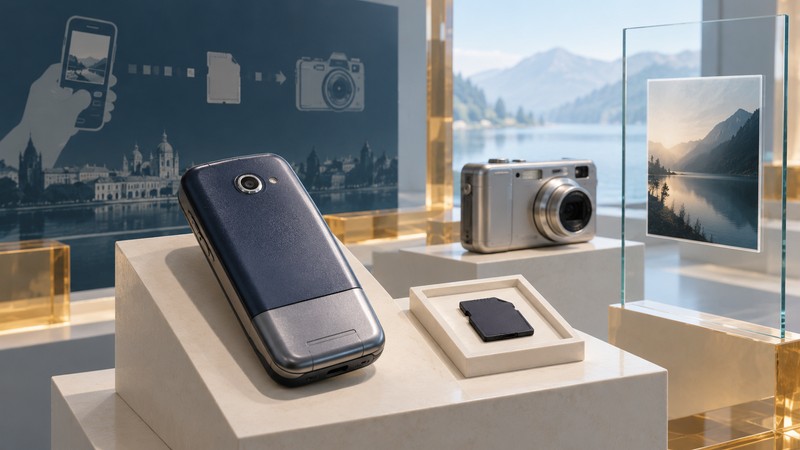
The Samsung SPH-S2300 shows how early camera phones borrowed from dedicated cameras: an optical zoom lens, photographic controls and removable miniSD storage. Its historical significance lies in that combination. A surviving phone, card and photograph each preserve a different part of the story.
A camera with a phone attached
Samsung’s July 23, 2004 product announcement identifies the handset as SPH-S2300. It describes a Pentax optical system with a retracting lens, 3× optical zoom, a maximum still-image size of 2048 × 1536 pixels, video with sound and miniSD expansion. The announcement is a useful record of the intended design; its promotional comparisons are separate from measured image quality.
Optical zoom changes the framing through the lens. The storage card serves a different purpose: it carries the resulting files. Reading these as separate capabilities makes the device easier to understand. A card’s capacity says little about the lens, while the pixel dimensions alone leave compression and the final file size unresolved.
What removable storage changed
A removable card gives a collection a physical boundary. Photographs can remain with that card even after the phone, its charger or its original computer has been separated from it. That makes the card useful evidence, but it also creates an identification task: which device produced these files, and which items belong together?
Make a useful record of a surviving set
- Record the full handset model from its label, the card’s format and capacity, and any packaging. Keep an uncertain association marked as uncertain.
- If the card reads reliably, preserve its files and folder structure on separate storage before sorting or renaming anything. Keep one unchanged copy.
- Inspect working copies of sample photographs. Record pixel dimensions and any embedded camera or date information, then compare those clues with the handset documentation. Treat an image date as a clue: a device clock may have been set incorrectly.
- Keep the phone, card, adapters and documentation identified together, even when the files also have an independent backup.
For the physical format, adapters and a careful first read, use the miniSD card identification and retrieval guide. This historical example establishes the phone’s design; it does not establish every compatible replacement card or a particular surviving unit’s condition.