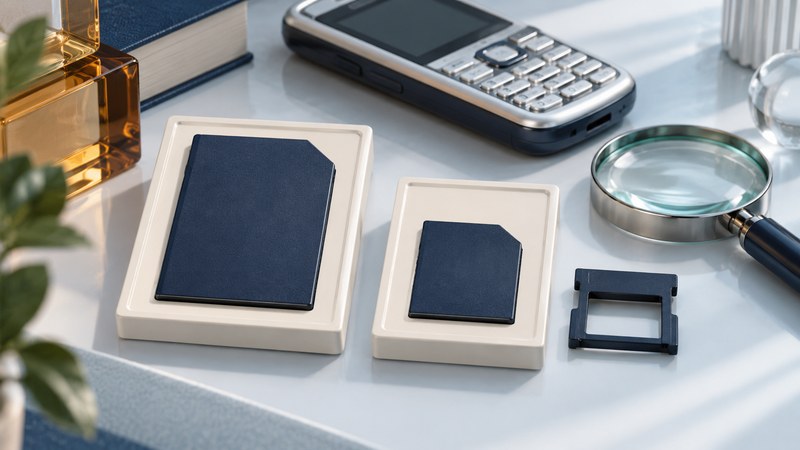
For an old phone or camera card, begin with its complete label and the device it came from. MMC, reduced-size MMC and MMCmobile describe related products, but shape alone cannot establish voltage, capacity support or a usable reader. Build an evidence chain from the card to the adapter, reader and computer.
Read the names as clues
On a narrow screen, swipe the table or focus it and use the arrow keys.
| Label or description | What to investigate | Evidence still needed |
|---|---|---|
| MMC / MultiMediaCard | A removable MMC-family card; establish the precise product. | Part number, physical form, voltage and supported host. |
| RS-MMC / reduced-size MMC | A smaller physical form that may use an extension for a full-size slot. | Exact card variant, electrical requirements and compatible extension. |
| DV-RS-MMC / dual-voltage RS-MMC | A label indicating dual-voltage capability for a reduced-size product. | The manufacturer’s stated voltage ranges and host support. |
| MMCmobile | A named MMC product family found in legacy device documentation. | Exact manufacturer datasheet, capacity and reader support. |
Photograph both sides, the adapter and the original device model label. Copy all markings, including a suffix after the part number. Keep loose extension pieces together without forcing them onto a card. An unmarked card remains unidentified even when its outline resembles a familiar format.
A documented example: Kingston MMCmobile
Kingston’s archived MMCmobile datasheet (PDF) identifies a reduced-size 18 × 24 × 1.4 mm card, operation at 1.8 V or 3.3 V, and an included adapter for full-size MMC use. It lists MMCM/256, MMCM/512, MMCM/1GB and MMCM/2GB and specifies MMC System Specification 4.0.
That document is marked discontinued and retained for information. Its voltage and dimensions describe those products; apply them only after matching the part. The same sheet lists the FCR-HS215/1 and FCR-HS2MMC/SD as optional readers, giving owners a historical compatibility lead to investigate alongside current computer support. These names are not a claim of present availability.
Find a supported path to the files
- Look for transfer through the original device first if it is working and its documented computer connection is still usable. Record any required software and account dependencies.
- For a reader, require explicit support for the identified MMC variant and capacity. Check whether a specified full-size extension is needed. An extension establishes mechanical fit only to the extent its documentation states; electrical and protocol support remain host requirements.
- Confirm the reader works with the actual computer and operating system. A period accessory may have depended on software unavailable on a current system.
- Test the reading path with healthy, expendable supported media when available. For the wanted card, cancel format prompts and preserve the complete folder structure during a stable read.
Some documented SD slots also accept MMC. For example, Apple lists MMC support for the Mac SDXC-slot models on its support page. Verify the exact Mac and card details before using that route. This is evidence for those listed hosts, not a rule for every slot labeled SD.
If the host only reports an unsupported or unrecognized card, record that result. Do not select an electrical voltage manually, modify contacts or substitute an improvised adapter. Seek exact compatibility information or help retrieving valuable files.
Preserve the card’s contents and context
Copy all folders, including small index files and unfamiliar extensions. Older applications may depend on relationships that disappear when only photographs are selected. Keep an untouched copy, then open working copies in suitable software. If the card repeatedly disconnects or returns read errors, stop ordinary troubleshooting and decide on recovery before further scans.
- Record card markings, measured or documented form, capacity, original device, source-manual URL and date checked.
- Record reader and adapter model, computer OS, the exact connection path and any error text.
- Compare the copied inventory and file contents; keep a second verified copy on independent storage before reusing the card.
- Preserve context: likely dates, people, application names and uncertainties. An unfamiliar file is worth retaining until it can be identified.
The card-and-reader compatibility record (plain text) has fields for this evidence. Use the reader troubleshooting guide when the remaining question is detection or mounting, and the photo archive guide when the card can be read and the priority is preservation.