
A child-safety AI model can flag media for an on-device warning or estimate whether an account may belong to a younger user. A prediction is only one part of protection. Families need to know what the child sees, who receives information, what happens when the system is wrong and how the child can reach a trusted person.
Read the exact feature on the device in front of you

Apple describes Communication Safety as using on-device processing to detect and warn about sensitive imagery in supported contexts. Its documentation specifies behavior by feature, account and device settings. Review the information actually shown to the child, available support and the device’s current configuration. A warning cannot by itself establish a sender’s identity, intent or what happened outside the device. Apple’s description of its communication safety tools
Understand the errors on both sides of an age threshold

NIST evaluates age estimation and verification against documented datasets and operating thresholds. An average error in years cannot tell a family how reliably a particular cutoff works. Examine errors for people just above and below the boundary, what information is retained and how an incorrect decision can be reviewed through a privacy-respecting route. NIST’s evaluation of age estimation and verification
Practice the support route with a harmless scenario
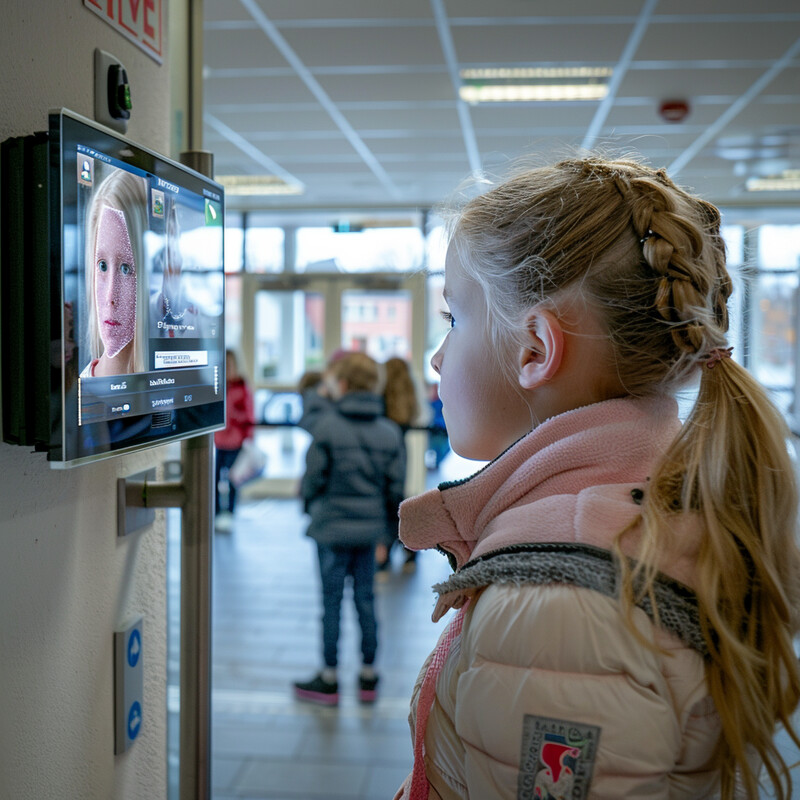
Agree on a trusted adult, a simple way to get help and a nonpunitive response to a mistaken alert. Use a written scenario or official settings walkthrough. For a school service, check which staff receive a report and when it is monitored. Keep children’s private material out of generic AI chats. An unexplained alert is a reason to listen to the child and check the context.
Try it with the evidence
Trace a fictional protective warning
Source notes. Invented feature card. A warning appears locally and offers Close, Help and Talk to an adult. The card explicitly says no automatic report is sent by this feature. The device owner assumes the school has already been notified.
- Apple’s description of its communication safety tools
- NIST’s evaluation of age estimation and verification
Prompt. Explain what the feature did, what remains unknown and how the family can rehearse getting support without uploading personal material.
Check your reading
The feature displayed a local warning and offered choices. The card supplies no evidence of a school notification or of what triggered this specific alert. Use a harmless written scenario to practice selecting Help and reaching a named trusted adult. Confirm the school’s actual reporting route separately.
Illustrated field notes
Accounts, contact and reporting
Read the young person’s available controls alongside the procedure a trusted adult can use to respond.




Location and device alerts
Check the context and reliability of an alert with the people who can respond to it.