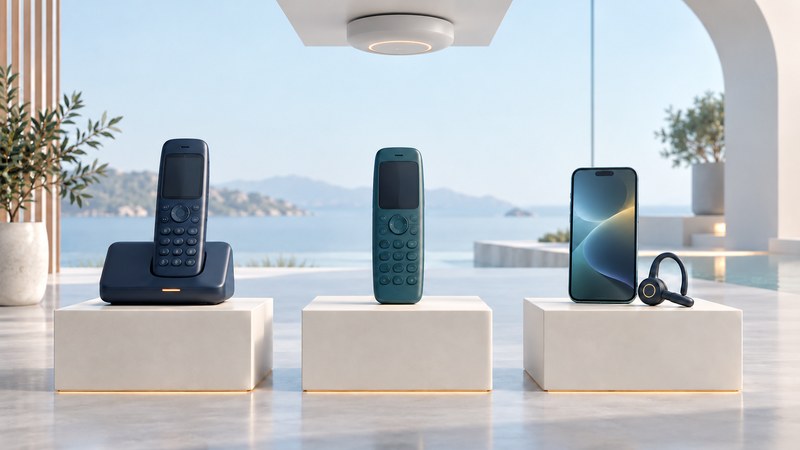
Choose wireless VoIP by where people move and which service they need to reach. A cordless handset, a Wi-Fi phone and a mobile calling app put different equipment between the user and the phone system. Mapping that complete path makes a comparison more useful than choosing by an advertised radio range.
Start with the intended service, a floor plan or walking route, the busiest calling period and the people who will charge and manage the devices. For an existing Wi-Fi calling fault, go directly to the Wi-Fi VoIP troubleshooting guide.
Compare the complete arrangements
Swipe horizontally, or focus the table and use the arrow keys.
| Arrangement | Path to verify | Useful questions |
|---|---|---|
| SIP-connected DECT | Handset → compatible DECT base system → IP network → calling service | Which handsets, base capacity, region and roaming configuration are supported? |
| Wi-Fi handset | Handset → wireless access point → IP network → calling service | Can the handset authenticate, roam and sustain calls on this WLAN? |
| Mobile softphone | App → supported Wi-Fi or mobile-data path → calling service | Do incoming calls arrive while locked or in the background, and what happens when networks change? |
A Bluetooth headset is usually an audio accessory for a phone or computer; document that host and its network path too. The word “wireless” describes one part of the arrangement. It does not establish compatibility with the organization's extensions, transfer features or telephone numbers.
Describe movement before selecting radios
List the places where a user must answer and the routes along which a call must continue. A person moving between two office buildings has a different requirement from someone carrying a handset between a kitchen and a garden. Mark stairwells, loading areas and other real working locations on the test route.
Record each transition as either “must receive a new call here” or “must keep an active call here.” The second requires testing continuity during movement. An idle handset finding another base or access point and an active conversation moving successfully are separate observations.
For a concrete DECT example, Yealink's W80 system documentation describes a managed multicell arrangement and a deployment toolkit for checking base placement. Treat its capabilities as specific to that system. A pair of unrelated single-cell bases is not evidence that a call can move between them.
Check capacity, charging and ownership
Ask about simultaneous calls per base and across the whole system, including any codec-dependent limits. Compare the worst occupied area with the whole-building demand. Ten registered handsets do not necessarily mean ten concurrent conversations on one radio cell.
For mobile apps, verify incoming-call support for the exact app, service and operating system. Linphone's FAQ, for example, distinguishes its app features and SIP-account arrangements, including constraints on mobile background calling with third-party accounts. Repeat acceptance checks after relevant app or OS changes.
Plan chargers, spare devices, shift duration, headset needs and the procedure for a lost handset. Measure battery use with the actual screen, audio and movement pattern. Use the manufacturer's region-specific hardware and deployment instructions; headline range and standby figures are starting references, not site acceptance results.
Choose through a short workplace trial
Record a repeatable pilot
- Confirm exact models, firmware, service accounts and required call features.
- Make and receive stationary calls in each work area.
- Walk the real route while both participants report audio and any interruption.
- Repeat during representative activity and with agreed simultaneous calls.
- Check background ringing where applicable, charging, handoff and lost-device procedures.
- Save results and unresolved locations before making the purchasing decision.
The wireless calling worksheet keeps architecture, route, capacity and shift checks together. Use VoIP Phones for wider compatibility and provisioning questions.