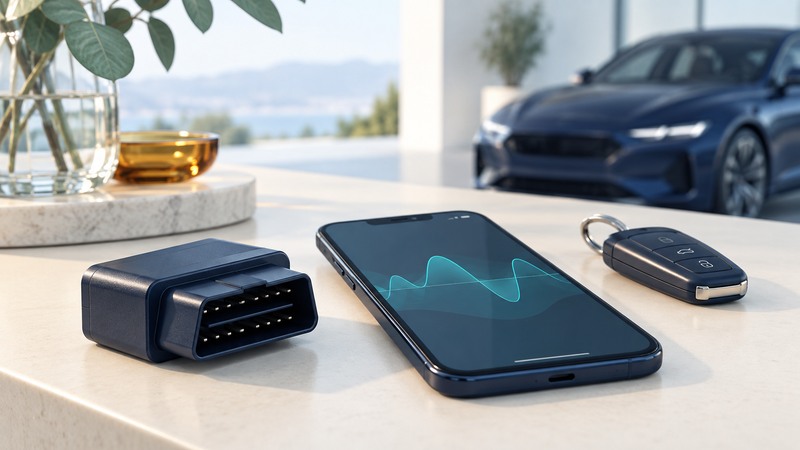
A wireless diagnostic adapter connects a supported vehicle interface to an app. The useful result is a saved record of symptoms, codes and operating conditions that helps a technician decide what to test. Start with compatibility and safe use, then capture evidence before changing anything.
Confirm what the adapter and app can read
U.S. emissions OBD-II support is common on 1996-and-newer light-duty gasoline vehicles, but coverage depends on market, vehicle type and model year. Check the adapter manufacturer’s exact compatibility list. A matching socket alone does not establish access to every module, electric-vehicle battery detail or manufacturer function. EPA’s OBD explanation describes the emissions-monitoring purpose of the system.
Scroll the table horizontally; keyboard users can focus the table region and use the arrow keys.
| Layer | Check | Why it matters |
|---|---|---|
| Vehicle | Model year, market, powertrain and supported diagnostic protocol | Basic emissions access and manufacturer-specific access differ |
| Adapter | Supported phones, connection type and electrical requirements | A phone’s Bluetooth capability alone does not guarantee compatibility |
| App | Supported modules, enhanced coverage and subscriptions | Engine-code reading may exclude ABS, airbags or high-voltage modules |
| Data handling | Export formats, permissions, cloud sharing and retention | The report may contain VIN, location or trip history |
For one documented example, OBDLink describes reports, codes, freeze frames and live data. Those features apply to its supported combinations; check your own tool documentation for equivalent functions.
Capture a baseline while parked
- Read the vehicle and adapter connection instructions. Park securely, locate the diagnostic connector and confirm the device will not interfere with pedals, knees or trim. Follow the specified ignition state.
- Install the official app and pair using its instructions. Keep account permissions limited to the functions you intend to use. Never run an engine in an enclosed garage.
- Record the date, mileage, warning-light behavior and symptoms before scanning. Include recent repairs, battery disconnection or refueling when relevant.
- Save all reported codes with their exact identifiers, descriptions, module names and status. Preserve freeze-frame data, readiness status and available diagnostic reports.
- Export an original report or screenshots with units and timestamps. Keep a copy before attempting any reset or repair.
OBDLink’s diagnostics instructions explain that clearing codes deletes freeze-frame information. Clearing is a change to the evidence, not a demonstration that a fault has been repaired. Avoid actuator tests, coding or service resets unless you have the proper procedure and competence.
Read the evidence without jumping to a part
A diagnostic trouble code names a detected condition or circuit relationship. The cause may require wiring checks, measurements, software information or mechanical inspection. A code description that mentions a sensor does not, by itself, prove that sensor needs replacement.
A freeze frame is a snapshot associated with a recorded fault, where supported. Live values show the current session. Keep units visible: a temperature, pressure or voltage without units can be misread. Label unavailable values as unavailable rather than zero.
Readiness indicates whether relevant emissions self-tests have completed. Recently cleared memory or interrupted operating conditions can leave monitors incomplete. Local inspection rules determine test eligibility; an app’s green summary is not a substitute for those rules.
Use warning severity to choose the next step
Follow the vehicle manual’s warning instructions. A flashing engine light, severe rough running, loss of power, overheating or an oil-pressure warning needs prompt attention; stop safely when the manual or symptoms require it and arrange assistance. Do not keep driving merely to obtain a better recording. EPA’s OBD warning-light explanation distinguishes a flashing malfunction lamp from an ordinary steady warning.
Driving and operating a scan app compete for attention. Have a technician perform any required road diagnosis using a safe setup. For ordinary owner use, take notes while parked and let the shop decide which additional data would help.
Close the session and share deliberately
Review the app’s current privacy policy, including location access and report sharing. OBDLink’s app policy is one example of the document to examine; other products can handle data differently. Send the full vehicle record only to the intended repair provider and remove identifiers from public posts.
Follow the adapter’s instructions for removal or supported sleep mode. Ask about standby drain and security before leaving a device permanently installed. Keep the report, repair invoice and post-repair findings together so the next visit starts with a useful history.
Save a practical worksheet
Download the wireless vehicle diagnostics worksheet (plain text). Open it in any text editor, save a private copy, and fill in the prompts while you work. It includes the article link and supporting references. Record “unknown” when a question still needs evidence.