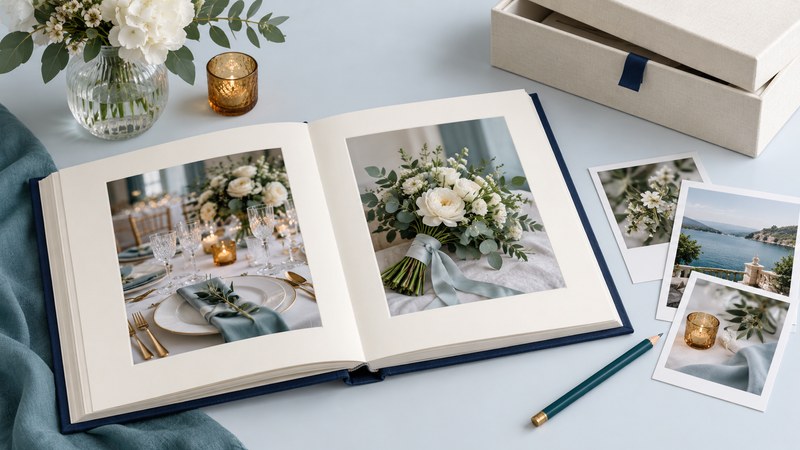
A wedding album works best when it tells a story you want to revisit. Start by selecting the moments and people that matter, then choose a format, build a simple sequence and proof the actual print layout. Keep the original digital photographs as a separate collection so the album can be repaired, reprinted or expanded later.
Make a small working selection first
Collect the photographer's delivered files and the guest pictures you want to consider. Keep filenames intact and work on copies. Ask which images you are permitted to print, edit or upload to an album service; buying a photography package and receiving files may come with specific usage terms.
Choose a few essential images before filling pages: the people you want represented, a sense of place, the ceremony, a celebration and an ending. Compare similar frames side by side. One photograph with a strong expression usually tells more than a page of near-duplicates. Include quieter details where they connect to a memory, such as a handmade object or someone preparing a meal.
A manageable first layout
For a fictional 12-spread album, try two spreads for preparations, three for the ceremony, two for portraits and family, four for the celebration, and one closing spread. That totals 12 spreads. It is a starting allocation, not a printing specification: ask the supplier how its page count includes endpapers and other fixed pages, then adjust the sequence to your own day.
Choose how you want to use the album
| Format | Useful when | Questions before ordering |
|---|---|---|
| Printed photo book | You want captions and a designed sequence, with the option to order matching copies | What are the paper, binding, trim and gutter specifications? Can you order one proof copy? |
| Album with removable prints | You want to rearrange or replace individual photographs | Are pages, pockets and mounting materials suitable for photographs? Which print sizes fit? |
| Professional album service | You want design help and a supplier managing the finished object | How many revisions are included, who approves the proof, and what happens after approval? |
Compare the complete order: cover, size, pages, extra copies, delivery and any design charges. Handle a sample when possible. Check how easily pages turn, whether faces near the center are obscured, and whether small text is comfortable to read. A larger format needs suitable image files and a storage space that supports the book.
Match the file to its printed size
Use the original delivered file rather than a social-media download. Pixel dimensions and printed dimensions together determine resolution: an image 2,400 pixels wide printed 8 inches wide has 300 pixels per inch; at 12 inches wide it has 200. Cropping reduces the pixels available for that calculation.
Blurb's image-resolution guidance recommends 250–300 PPI at the final print size for its products. Treat that as a supplier-specific target and follow your chosen printer's specifications. If a layout warns about resolution, use a smaller placement or obtain a larger original; changing a file's resolution label alone adds no captured detail.
Inspect every spread at a useful size. Keep eyes, faces and important objects away from trim edges and binding areas according to the template. Check that a crop preserves the intended gesture, captions identify the correct people, names and dates are accurate, and text stands out from its background. Ask a second reader to proof the exported layout, not an earlier working file.
Order a physical proof or a small sample where the supplier offers one, especially before buying several copies. Screen brightness can make a photograph look different from its print. Judge the proof under ordinary viewing light and agree any changes before approving the final order. Save the approved file, specifications and order details together.
Care for the object and the originals
The Library of Congress's photograph-care guidance recommends clean handling, suitable photo storage materials and a cool, stable environment away from damaging conditions. For albums with loose prints, avoid self-adhesive “magnetic” pages and ordinary glue or tape on photographs. Ask the supplier about photo-safe materials; a single marketing term does not describe every part of an album.
Keep the book away from direct sun, damp areas and likely leaks, and support heavy covers and pages while viewing. Store the digital originals and the final album layout in more than one place, including a separate location. Periodically open representative files and check that you can retrieve a complete copy. A gallery link and a printed book each serve a purpose, while your own retrievable file copies support future use.
Download the editable album brief and proof checklist. For gathering guest contributions, see wedding pictures; for delivered files and print permissions, discuss them when planning wedding photography.