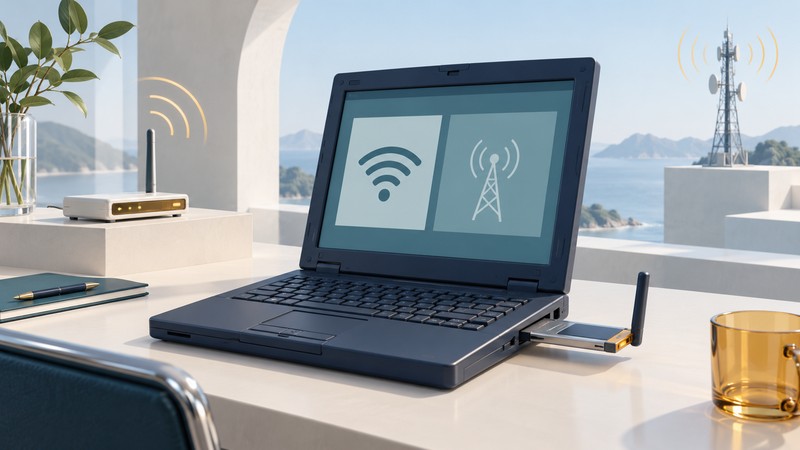
Sprint PCS Wi-Fi Access belonged to an era when a laptop might carry a cellular PC Card and a separate Wi-Fi radio. A shared connection manager made those access choices easier to find. Understanding the hardware beneath the interface explains what that convenience could accomplish.
Keep the software generation attached to the date
Sprint’s public-hotspot initiative dates to 2003. A specific later implementation is documented in Sprint and Novatel’s July 28, 2004 announcement: the Merlin C201 cellular card was packaged with a connection manager that also detected Sprint-compatible Wi-Fi locations. Wi-Fi required an additional card or a laptop with built-in Wi-Fi.
The same release described NDIS drivers that established the cellular connection at startup or after suspend and resume. Those details belong to the named 2004 package; apply them to a historical machine only after checking its card and software version.
What the laptop user needed
- Identify the cellular hardware. Record the card model and its driver package. This identifies the equipment responsible for wide-area access.
- Identify the Wi-Fi hardware separately. Inspect the laptop specification or adapter record. A cellular card entry alone leaves the local-network radio unresolved.
- Match the venue to the service. Discovering a nearby wireless network establishes radio visibility. Successful access also depends on that hotspot’s participation and the user’s access entitlement.
- Record the selected connection. Preserve which network the manager used, when it connected and what application task succeeded.
This is a reconstruction method for period documentation. The old connection manager and download addresses are historical artifacts, not a setup path for a current laptop.
Three kinds of continuity
| Layer | Question to ask | Evidence to retain |
|---|---|---|
| Interface | Can one program display both access choices? | Screenshots, software version and supported adapter list. |
| Network attachment | Does a selected radio connect or reconnect? | Connection log, chosen network and driver behavior. |
| Application session | Does the user’s actual task continue across a network change? | Transaction completion, reconnect events and any lost work. |
For example, a browser may load a fresh page after a connection change while an existing remote session asks the user to sign in again. Both observations can coexist. Test and document the application outcome independently of the manager’s connected indicator.
NDIS describes a driver interface. The startup and resume behavior reported in the release concerns establishing a network connection; an uninterrupted application session needs its own evidence.
Why this approach mattered
The design brought two access environments into a familiar place on the laptop. Its historical significance lies in reducing the user’s coordination work: finding a compatible hotspot, choosing a connection and seeing its status. The radios, network access rules and application behavior still need separate entries in a technical record.
Use the hotspot roaming guide to understand participating networks and support responsibilities. For today’s alternative of sharing a mobile connection, see cellular Wi-Fi hotspots.