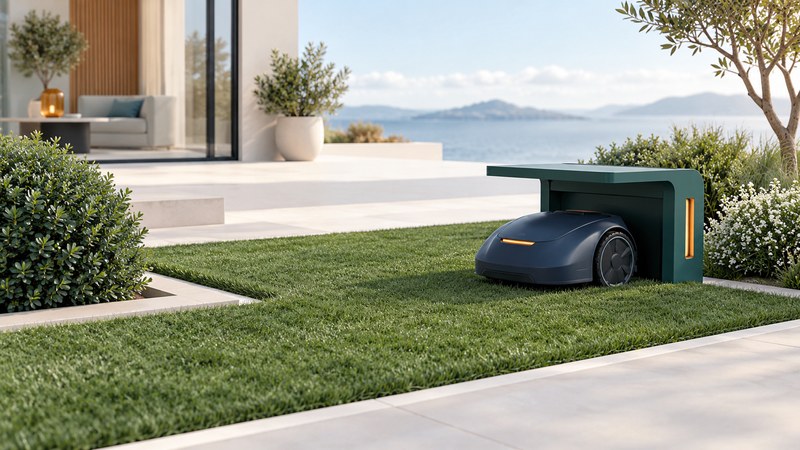
A robotic mower is an installed lawn-care system. Its usefulness depends on the shape and access of your lawn, the chosen boundary and navigation technology, the charging location, and the person who will manage it. Start with a site survey before comparing advertised coverage.
Map the lawn the mower would actually reach
Draw separate grass areas, gates, narrow passages, steps, steep transitions, tree cover, flower beds, water, and drop-offs. Measure the lawn area in a named unit and record the tightest passages. Identify grass that will still need another cutting method. A stated area capacity is only one input to this decision.
Disconnected areas need an explicit plan. Husqvarna’s secondary-area instructions for boundary-wire installations explain a setup in which the operator transports the mower between areas and selects the appropriate mode. A front lawn separated by steps therefore changes the daily work even when the combined area is within a mower’s stated capacity. Other systems have their own transport and multi-zone rules.
Use the robotic-mower site-survey sheet to collect questions for an installer. A photograph and a dimension are more useful than “a narrow bit near the shed.”
Understand what defines the working area
| Approach | Questions to settle before purchase |
|---|---|
| Physical boundary wire | Where will the loop and any guide wires run? How are islands, passages, buried services, and future garden changes handled? |
| Satellite-based virtual boundaries | What sky view, correction service or reference equipment, connectivity, and fallback behavior does this model require? |
| Vision or other assisted navigation | What surfaces, light, boundaries, and obstacles are supported? What must still be physically separated? |
| All systems | How are water, drops, public access, temporary obstacles, and safe stopping handled in this exact installation? |
Ask the supplier to name the exact technology and document how it works on your site. A phone app can draw an area without proving that a mower can reliably navigate every part of it. Ask what happens when reception, connectivity, or a boundary signal is lost and how you will be notified.
Check slope ratings in the manufacturer’s units and context: working-area limits and boundary-edge limits may differ. Do not convert a percentage directly into degrees. Have uncertain measurements and hazardous edges assessed before installation.
Plan charging, reception, and access together
Husqvarna’s charging-station guide distinguishes physical-wire and EPOS installations. It specifies a level base and discusses space, electrical supply, reception, and docking access. For EPOS, the departure/docking area needs the documented satellite reception conditions. Its clearances are specific to the covered systems; another model may have different requirements.
Mark the proposed dock, approved power arrangement, cable protection, drainage, and access for maintenance on your sketch. Check the proposed location with the installer before buying a shelter or committing to landscaping. A convenient outlet does not by itself establish a suitable docking position.
Record which features need Wi-Fi, cellular service, an account, a subscription, or a local reference station. Ask what continues to work during a service outage, who can change the map, and how ownership transfers if the mower is sold. Obtain model-specific answers rather than relying on the word “wireless.”
Commission the installation and manage the work area
Ask for a supervised handover following the installation manual: working areas and exclusion zones checked, return-to-dock behavior demonstrated, stop controls explained, and fault notifications understood. Keep people and animals away during testing; never use a person or pet as an obstacle-test object.
Husqvarna’s Automower FAQ provides an entry point to product and support questions. The operator manual for the selected model governs use around people and animals. Arrange mowing around use of the lawn, inspect for loose objects and animals before operation, and pause the machine when the area is occupied or conditions change.
Keep a map of the final installation and document who will respond when a mower stops. Review the installation after moving a fence, adding play equipment, altering landscaping, or changing the dock location.
Count the work and costs that remain
- Edge trimming and areas the mower cannot reach.
- Cleaning, cutting-system service, and battery care according to the manual.
- Seasonal storage and return-to-service checks.
- Wire repairs or map changes after garden work, plus software and connectivity support.
- Access control, recovery arrangements, replacement parts, and dealer service.
Request an itemized quote for the machine, installation equipment, labor, accessories, and any ongoing services. Compare that total with a conventional mower that fits the same yard. A site demonstration and a clear support arrangement are more informative than a general promise of hours saved.
For the broader format comparison and storage measurements, use the mower choosing guide.