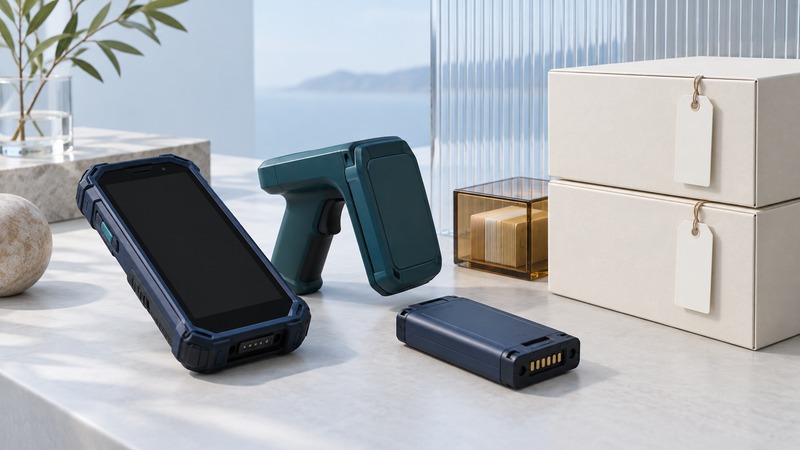
An RFID mobile computer should help a worker finish a defined count and know whether it has reached the inventory system. Choose the device and application together. A fast stream of tag observations becomes useful when the count has a clear scope, survives interruptions and can be reconciled.
This guide covers passive UHF handhelds, reader sleds and computers used at mobile workstations. Before evaluating equipment, define the area to count, expected item identities, allowed stock movements and who approves inventory adjustments. Keep a representative test set available.
Choose the working arrangement
On a small screen, scroll sideways to read all columns.
| Arrangement | What to test in the actual job |
|---|---|
| Integrated RFID handheld | Grip, reach, trigger behavior, screen readability and the complete reader/application update path. |
| Phone or computer plus reader sled | Pairing, attachment, separate battery states, reader identity and reconnection after separation. |
| Vehicle-mounted computer and reader | Mounting, power transitions, antenna placement and the workflow used when the vehicle changes location. |
Compare supported operating systems, SDK versions, device-management options and service life alongside weight and battery endurance. Ask for the exact hardware SKU, reader firmware and application version in the demonstration. A ruggedness rating applies to the specified configuration; verify connectors, accessories and operating conditions in its documentation.
Let workers trial the device with normal gloves, containers and shelving. Count completion, correction time and fatigue are more informative than an isolated tags-per-second figure.
Give every count a boundary
Start a session with a unique count reference, operator, area, start time and scope. Save the expected item set or inventory snapshot used for comparison. If stock may move during the count, record the movement policy and how it will be reconciled; otherwise an apparent shortage can simply be a timing difference.
Keep raw observations distinct from unique items and approved adjustments. Deduplicate within the intended identity and session boundary. Preserve two separate serials even when their product number matches. Show the operator which stage has completed: captured locally, uploaded, accepted or reviewed.
Distinguish two different disconnects
A reader can lose its connection to the mobile host while the host still has network access. The host can also lose its connection to the business system while continuing to receive reader reports. These need separate state indicators and recovery tests.
Zebra's MAUI SDK 2.0.4.190 batch-mode documentation describes supported handheld readers retaining observations and transferring them after reconnection. Its sequence includes recognizing the reader, stopping the batch operation, retrieving the retained tags and then cleaning up the reader database. Confirm behavior for your exact model and SDK; batch support is a device-specific feature.
Design the application to confirm durable receipt of recovered records before destructive cleanup. A purge used to establish a new count must preserve any unresolved previous session elsewhere first. Record buffer capacity, behavior when full, time representation, power-loss behavior and incomplete-transfer reporting. Demonstrate these acceptance questions with the installed configuration.
For host-to-server outages, retain pending submissions with stable references and visible status. Test an upload whose acknowledgement is lost. Retrying should resolve the same submission instead of applying the inventory change again.
Make barcode and manual recovery explicit
A damaged or unreadable RFID label needs a supported fallback. Let the operator select the unresolved expected item and record how it was identified. A product-only barcode can confirm the product but may leave its serial unresolved; use the organization's verified item-identification procedure before marking that instance found.
Preserve the reason for a manual addition or exclusion. Separate a supervisor-approved correction from an ordinary read. If a tag has the wrong identity, retain both the physical product evidence and the electronic observation for the labeling team.
Run a complete interruption trial
- Start a known session, disconnect the reader and verify the app explains what remains active.
- Reconnect the same reader, then test connecting a different reader; confirm records stay with the correct device and session.
- Restart the app and interrupt an upload; verify recovery and duplicate handling.
- Test a battery change using the manufacturer's supported procedure, including documented limits on retained data.
- Finish with unresolved items, then resolve them by the approved fallback. Confirm the final server count and adjustment history.
Keep the expected identities, raw capture, local session and accepted server result for each trial. Have a worker unfamiliar with the demonstration perform recovery from the displayed instructions. At handover, record device/SDK versions, support ownership, charging arrangements and circumstances requiring a recount. Retest after firmware, app, pairing or synchronization changes.
Keep a working record
Download the editable working record (plain text). It includes purpose, instructions, evidence fields and this guide's source links. Save a separate copy for each evaluation and record unresolved issues with their owner.
Related reading
Researched and updated September 20, 2026. Recheck source documents when equipment, software or applicable requirements change.