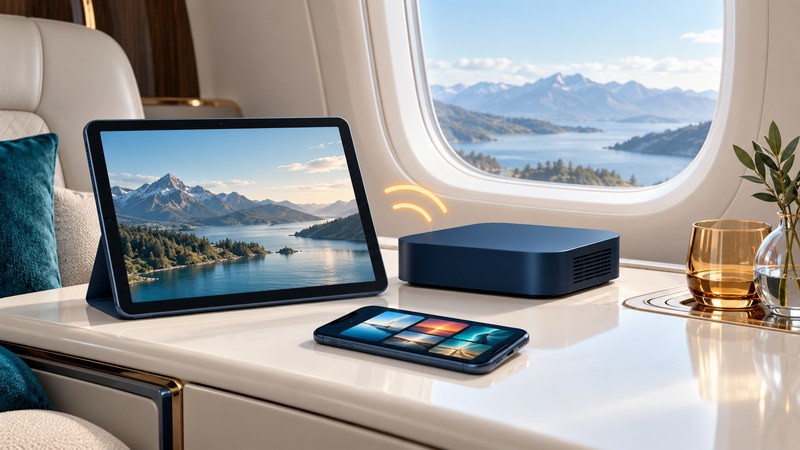
A portable in-flight entertainment server stores media and delivers it over a local cabin network to passengers’ devices. Assess the complete service: hardware, player software, content rights, compatible devices, power and the aircraft operator’s acceptance. Storage capacity alone tells you little about the experience passengers will have.
Separate the local network from internet access
A passenger can connect to a server’s Wi-Fi and watch a stored film while having no connection to the internet. In that arrangement, the data stays between the device and the server. Email, live websites and cloud logins need a separate internet service. Ask the supplier to identify which functions work with the external connection disabled.
The earlier 2017 Encompass announcement at this URL described one product configuration. Treat old storage, battery and cellular claims as dated specifications. For a purchase or trial, obtain the current model’s documentation, supported software and service terms.
Run a representative demonstration on the ground
- List the actual passenger devices and operating-system versions. Include the oldest device you expect to support.
- Load authorized sample content with subtitles or alternate audio if required. Check the rights for the intended cabin use.
- Following the supplier’s instructions, disconnect external internet access and start the local service.
- Connect the expected number of devices and play different titles simultaneously. Check startup, seeking, audio, captions and reconnection.
- Run the planned use pattern long enough to assess battery behavior and charging needs. Record the configuration and remaining charge.
- Repeat after a software or content update that affects playback. Keep a small offline fallback on passenger devices.
A home or office test establishes usability in that environment. The operator must separately address use aboard the particular aircraft. Document pass/fail observations instead of accepting an unspecified “supports many users” claim.
Ask questions that reveal integration work
On small screens, focus this table and use the arrow keys to scroll.
| Area | Ask for | Useful acceptance check |
|---|---|---|
| Player | Browser/app requirements and offline authentication behavior | Start playback after reboot with external internet disconnected. |
| Content | Licensing, expiry dates, updates and language options | Confirm a title remains playable for the trip dates. |
| Capacity | Supported concurrent streams at the intended quality | Test the actual number of devices and different titles. |
| Power | Battery rating, operating duration and charging arrangement | Record runtime under the representative load. |
| Support | Update policy, recovery procedure and support contact | Have someone other than the installer restore normal service. |
Keep passenger traffic separate from aircraft systems under the operator’s approved design. For a shared device, include administrator access, lost-device handling and removal of passenger information in the operating plan.
Have the operator resolve aircraft use
In the United States, FAA AC 91.21-1D on portable electronic devices explains the operator’s role in determining interference compatibility under the applicable rules. A product being portable does not by itself settle its acceptance aboard an aircraft.
Give the operator the exact model, battery documentation, radios, intended placement and charging method. Have the responsible personnel establish restraint, ventilation, passenger access and procedures for abnormal behavior. Use the current aircraft and operator instructions for those decisions.
Write a short acceptance record
Download the server evaluation sheet to record the equipment, conditions, unresolved issues and operator decision. Choose the system only after the required functions pass and the operational questions have named owners.