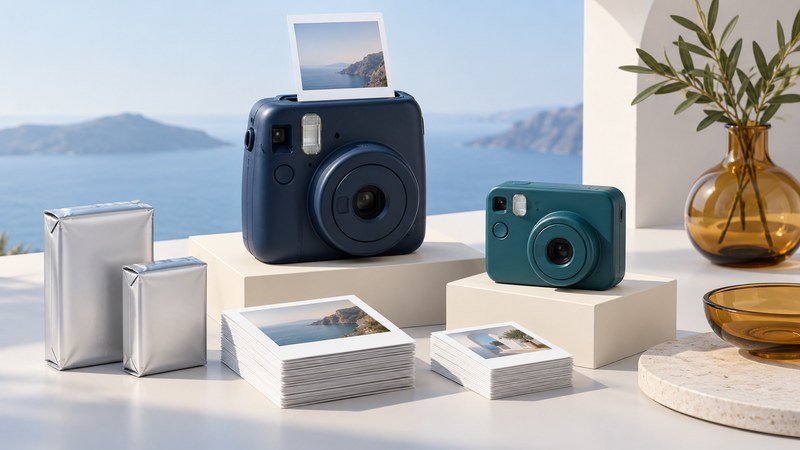
Identify the exact camera before buying film. Polaroid is a brand with several film systems, and a small instant camera does not automatically use the same supplies as another. For an event, a tested camera and a realistic print budget are more useful than an unverified bargain.
Start with the model name
- Read the model label on the camera and photograph it for reference.
- Find the matching instructions in Polaroid's user-manual directory. Check its film and power requirements.
- If the camera is empty, check the film-compartment label. Keep a loaded film door closed unless the manual specifically directs otherwise.
- Match the film name on the package with the model's requirements before ordering.
If a used camera has been modified, ask the seller to explain the modification and supply the corresponding film instructions. Stop and ask support when the model, label and listing disagree.
Understand the main film distinctions
Polaroid's compatibility guide explains the distinctions below. Check the manual for your exact model, especially with older or modified equipment.
| System | Key distinction | What to verify |
|---|---|---|
| Polaroid Go | Uses the smaller Go film format. | The package explicitly says Go. |
| i-Type camera | The camera supplies its own power; i-Type packs have no battery. | Supported packs and the camera's charging instructions. |
| Vintage 600 camera | Normally uses 600 film with a battery in the pack. | Use the required 600 pack; battery-free i-Type is not a direct replacement. |
| SX-70 | Its normal film has a different sensitivity from 600 film. | Use the specified film; adaptations require model-specific instructions. |
The manufacturer lists 600 film as compatible with i-Type cameras, but that does not make every Polaroid format interchangeable. Packaging color, camera size and the word “instant” are insufficient identifiers.
What about an i-Zone camera?
The i-Zone belongs to an older instant-photo system associated with small prints and sticker-style photographs. Polaroid explicitly lists iZone cameras and film as unsupported: it does not sell, repair or produce film for the listed system.
Keep an i-Zone as a historical camera if you enjoy it, but confirm usable supplies and test results before relying on one for an event. An old unopened pack is not evidence that it will produce dependable photographs. Current Go film, i-Type film and digital-printer paper are not substitutes selected merely because they look small.
Practise in conditions like the event
Use the camera's instructions to check minimum focusing distance, flash operation and power. Take a test photograph in a room like the place where you expect to shoot, then let it develop as directed before deciding whether to change the setup.
Polaroid's film-care guide discusses storage, temperature, light during development and clean rollers. Follow the package and model instructions, protect new prints from strong light while they develop, and keep film away from temperature extremes. Check rollers before loading a new pack and use the manufacturer's cleaning method.
If a test is dark, check the subject distance, flash and background before buying another camera. If a print has repeated marks, consult the troubleshooting guidance for that pattern. One failed picture alone does not establish which part of the system caused the problem.
Budget for attempts as well as keepsakes
Write down how many prints you want to give away and how many you can afford to use for practice or retakes. Check the frame count of the actual pack and add tax and delivery to its cost. Decide who will operate the camera and where finished pictures will be stored.
Agree which group photos matter most, ask before taking or sharing pictures, and keep a phone or other familiar camera available for moments that matter. An instant print can be a special extra without carrying the entire responsibility for recording the evening.