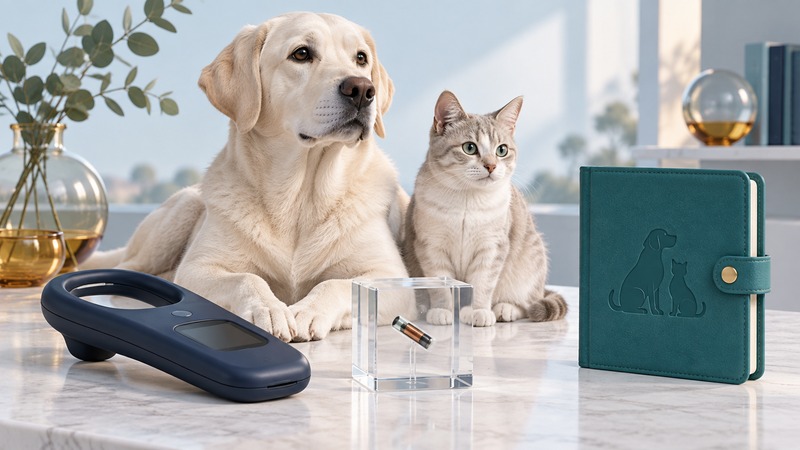
A useful microchip check ends with a confirmed registration and current contact details. Start with the number read from your pet, find the registry that holds the record, and verify the information there. Keep that record alongside a current photograph and the contact details on your pet’s identification tag.
Start with a scanned number
Ask your veterinarian or shelter to scan your pet and give you the complete number in writing. Compare it character by character with the adoption paperwork and any registry account. Resolve a mismatch with the practice before updating the wrong record.
A microchip stores an identification number that a compatible scanner reads at close range. A registry connects that number with contact information. GPS location tracking is a separate technology; the chip itself provides identification when someone finds and scans the animal. AAHA’s microchipping questions explain these roles and why registration matters.
Find the record and confirm it
- Enter the scanned number into the AAHA Microchip Registry Lookup, following its format instructions. This tool is particularly useful for participating registries in the United States.
- Contact the registry shown in the results. AAHA identifies registries; it neither displays an owner’s private contact details nor edits the registration.
- Sign in through the registry’s own website or use its support channel. Confirm the pet’s number, your phone, email, address, and any alternate contact the service supports.
- Save the confirmation and the date you checked it. Ask the registry how to mark a pet missing and how to reach support if you lose account access.
Several results can appear; AAHA lists the most recently updated registration first. A result identifying only a manufacturer can require further tracing. If nothing appears, check the digits, ask the implanting organization for its records, and contact an appropriate registry about enrollment. A blank lookup result alone does not establish that the pet has no chip.
Handle adoption, moves, and closed accounts
After adoption, ask who currently controls the registration and what transfer evidence the registry needs. Keep the adoption agreement and transfer confirmation together. A change to a veterinary practice’s client file may leave a separate registry account untouched, so check both.
When a registry closes or account recovery fails, ask your veterinarian to verify the scanned number, then work with an active registry to establish a reachable record. Keep a note of the former service and the replacement registration. Avoid publishing account credentials or the completed record sheet.
Use identification as part of a lost-pet response
If your pet goes missing, notify its registry promptly and confirm which number responders should call. Contact local shelters and animal-control services, search locally, and circulate a current photograph with a useful contact number. AAHA recommends combining identification with multiple lost-animal search strategies, including checking shelters daily.
Keep a small recovery folder containing the photograph, chip number, registry contacts, veterinary practice, and ownership paperwork. Review it after a move, phone change, adoption transfer, or change of caregiver. Ask for a chip scan during routine veterinary care so your written record stays tied to the number actually read.
Save a working record
Microchip registration record (plain text). Save a copy and fill it in with a text editor. Keep completed personal and medical records private.