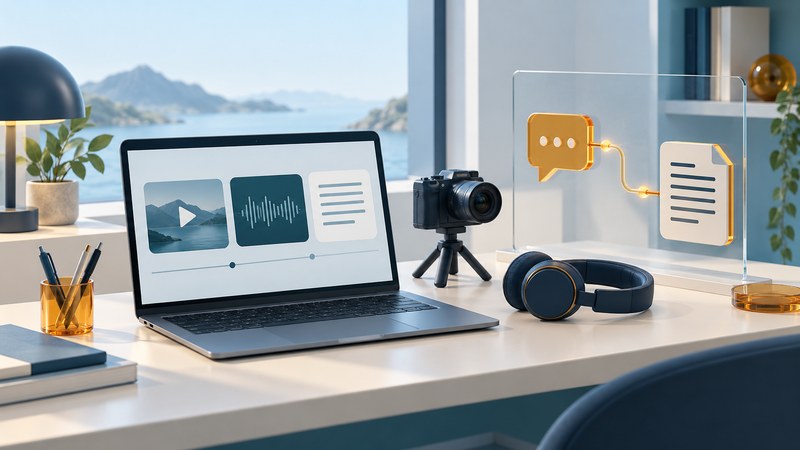
Integrating voice, video and text works best when each mode supports the same task. For a support session, begin with a written problem, use a call when it helps, and finish with a shared record of the decision and next action.
Start with one complete support journey
Choose a real recurring task before comparing platforms. For example, a customer reports a setup problem in chat, an agent offers a short call, the customer shows the equipment if useful, and the agent sends a written resolution. Define who owns the case, which participants may join and where the final record belongs.
The technical foundation can include browser communication. The W3C WebRTC specification defines interfaces for real-time media and data communication. A complete product must also implement identity, permissions, case context, accessibility and the organization’s record-handling rules.
Give each mode a useful job
- Text establishes the request. Capture the problem, relevant version or model and what has already been tried. Share only the information needed for the case.
- Voice clarifies a complicated exchange. Offer it when back-and-forth typing becomes difficult. Keep a text route available for participants who prefer or require it.
- Video shows relevant detail. Let the participant choose whether to enable the camera or share a view. Explain what the agent needs to see before the participant exposes a screen or surroundings.
- A written follow-up preserves the outcome. Record the agreed action, owner and timing, with any useful attachment or reference.
Carry the case identifier and summary between modes. Requiring the customer to repeat the problem after changing channels defeats the purpose of integration. For organizational messaging choices, see the team-messaging guide.
Build accessibility into the handoff
W3C’s Real-Time Communication Accessibility User Requirements discusses needs including captions, interpreters, accessible controls and choice of communication mode. It is a requirements note useful for design and evaluation. Test the whole task with the assistive technology and access needs relevant to your participants.
Make caption controls discoverable, keep important shared content visible and support the required interpreter arrangement. Give the participant a way to continue when audio or video is unusable. Keyboard access must cover joining, changing modes, muting, leaving and returning to the case.
Live captions help someone follow a conversation. A retained transcript creates a separate record with its own access and retention decisions. Decide when recording or transcription is needed, tell participants what will be retained, and apply the organization’s policy to storage and access. Review automatic text before relying on names, numbers or promised actions.
Test the workflow before adopting it
| Test situation | Expected behavior | Evidence to keep |
|---|---|---|
| Text changes to a call | The agent and customer retain the case context and participant identity. | One case record with the same issue and owner. |
| Microphone or camera permission is declined | The participant can continue through the supported alternative. | A completed task using the fallback route. |
| A participant needs captions or an interpreter | Controls and the required layout remain usable through mode changes. | A task walkthrough with the relevant access setup. |
| The call drops | A clear rejoin or text continuation path preserves the case. | The customer can resume without recreating the request. |
| The session ends | An accurate follow-up reaches the authorized participants. | Action, owner, timing and record-access check. |
Use a fictional case for the pilot so the team can deliberately test permission failures and connection loss without exposing customer information. Include the devices and networks people will actually use. Record failures as specific steps, then repeat those steps after a fix.
Choose the smallest workflow that completes the task
Adopt additional modes when they make the chosen task easier to finish. Evaluate completion, participant effort, accessibility and the quality of the follow-up alongside call quality. A short demonstration should end with the actual case record, not merely a successful video connection.
For an asynchronous demonstration, a brief recording can be more convenient than arranging a call. The video-message guide covers planning a useful message and providing an accessible text alternative.
Explore the Internet library
Internet: Connections, Networks and Online Life brings together connection choices, network explanations, travel connectivity and practical online tasks.