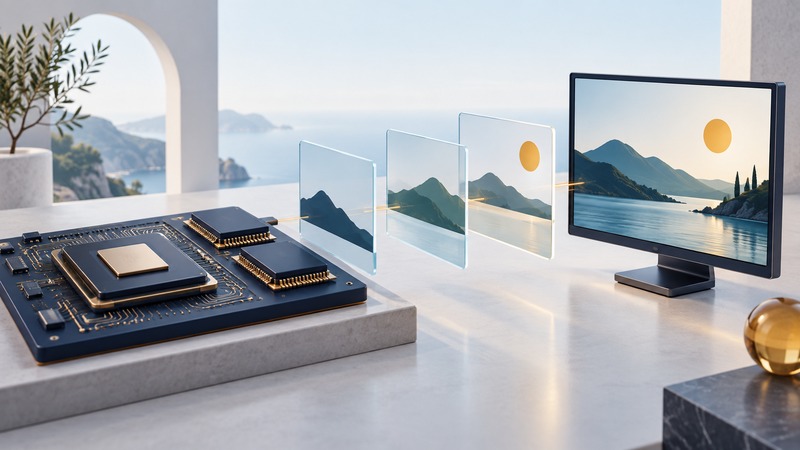
A responsive display needs the next picture to be ready before the display consumes it. Budget storage, memory traffic and frame deadlines separately; a high CPU clock alone cannot establish whether a multimedia workload fits.
The Renesas SH7785, announced in the mid-2000s for multimedia applications, is a useful historical example of combining a CPU with display and memory functions. Renesas’s SH7785 page lists the SH-4A device at up to 600 MHz and marks it “Not Recommended for New Designs” as checked September 17, 2026. Use its manuals for existing hardware and current support information when selecting a new design.
Follow the pixels through the system
Begin with the actual panel resolution, refresh rate, pixel representation and content. A static control panel, an animated interface and decoded video can create very different traffic even when they drive the same screen.
On a narrow screen, scroll the table horizontally. Keyboard users can focus the table region and use the arrow keys.
| Stage | Question | Useful evidence |
|---|---|---|
| Input or decode | Where do source images come from? | Supported codec, input rate and worst-case frame size |
| Composition | Who draws and combines layers? | CPU/accelerator timing and number of memory passes |
| Buffering | Where does the completed frame wait? | Stride, pixel format, alignment and buffer count |
| Scanout | How does the controller fetch the image? | Read deadlines, FIFO behavior and bus arbitration |
| Panel output | What timing reaches the panel? | Pixel clock, blanking and interface requirements |
For SH7785 work, the Renesas SH7785 hardware manual is the authority for the display unit, memory controller and register-level details. Match its revision and the device variant. The arithmetic below is a generic workload example, not a claim that a particular SH7785 mode supports that configuration.
Calculate storage with the actual stride
For tightly packed pixels, one framebuffer requires width × height × bytes per pixel. A real controller may require padding at the end of each line, so the more general expression is stride in bytes × height. Multiply by the number of buffers and add separate source images, decoded frames, fonts and working memory.
Double buffering gives the producer a separate image to prepare while the display reads the current one. Swap at the appropriate display boundary. If rendering misses that boundary, the system needs a defined policy: retain the previous frame, skip an update or use another documented strategy. Writing into a buffer while scanout reads it can expose parts of different frames.
Count memory transfers, not just pixels
At 60 displayed frames per second, the example’s scanout reads 1,536,000 × 60 = 92,160,000 bytes per second, or 92.16 MB/s. Suppose a simple full-frame operation also reads one source frame and writes one destination frame for every displayed frame. Those three transfers total 276.48 MB/s. That is an idealized traffic count before other bus users and protocol overhead.
Keep this count distinct from memory-chip peak bandwidth. Arbitration, refresh, bursts, access patterns and competing masters affect delivered bandwidth. Caches and accelerators can change which transfers reach external memory. Measure the intended implementation under concurrent load and compare the worst observed behavior with the display deadline.
Test the bottleneck you suspect
- Draw the data path and list every full-frame read and write. Include intermediate surfaces used by the graphics library.
- Confirm actual stride, pixel format and allocated buffer count in the running software. Recalculate storage from those values.
- Time demanding frames while storage, communication and other expected workloads are active. Record maximum time as well as typical time.
- Check controller underrun indicators, visible tearing, dropped updates and input latency. Correlate each symptom with the workload.
- Change one factor, such as reduced refresh, fewer layers or a smaller copied region. Compare the result before selecting a faster processor.
A complete result states the workload, software version, memory configuration, timings and acceptance criteria. Retain those details with the embedded-processor selection record so a later component or software change can be evaluated against the same task.
Keep a working record
Download the multimedia worksheet (editable text). Save a copy, fill in the fields for your situation and record exceptions as well as successful checks. The worksheet includes its purpose, source links and any example assumptions.