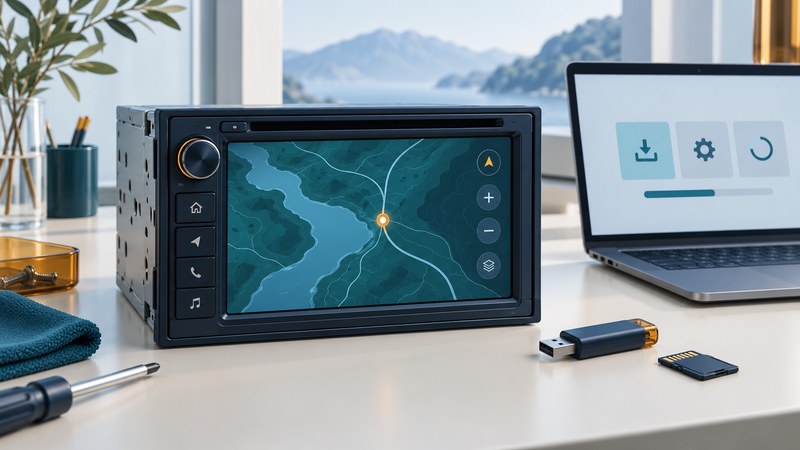
Maintain a Kenwood navigation system by identifying the exact model, sales region and navigation provider before downloading anything. Head-unit firmware, navigation software and maps are separate parts of the system. Follow the update route offered for your model and verify each changed component afterward.
Kenwood's 2002 Japanese navigation systems helped introduce aerial imagery into in-car mapping. Today's ownership question is more specific: which software, maps and connections does the installed unit support? A historical feature or a similar-looking receiver gives little evidence about another model's compatibility.
Identify the unit and current versions
Read the complete model designation from the unit's information screen, documentation or accessible label. Record the country or region of sale, navigation provider, installed firmware and map product. Photograph version screens and keep serial numbers private. Check whether the map is built into the head unit or supplied by a projected phone app.
Start with Kenwood's model-based firmware lookup. For a Garmin-equipped unit, use the linked Garmin/Kenwood support route for the same model and region. If the exact model is absent, contact support before selecting a neighboring name. Product suffixes and regional versions matter.
Separate the maintenance layers
| Layer | Typical purpose | Check after maintenance |
|---|---|---|
| Head-unit firmware | Receiver operation and supported interfaces | Version and normal audio/vehicle integration |
| Navigation software | Operation of the embedded navigation system | Version and successful navigation startup |
| Map data | Roads, geographic coverage and points of interest | Product, region, release and intended coverage |
| Phone/app setup | Projected navigation where supported | Pairing or cable connection and app behavior |
A firmware release can correct an interface issue while leaving the installed roads unchanged. Conversely, a map purchase does not establish support for a new phone-projection feature. Write down the problem you want the update to solve and look for matching release notes or support guidance.
Prepare the exact supported update
Garmin's Kenwood update instructions direct owners to update device software before maps and to select the correct model and region. They identify USB or SD-family media according to the process, with model-dependent steps. Follow that selected procedure for capacity, formatting, slot and sequence; do not substitute a music-playback port or another model's card instructions.
Before formatting media, copy any files you need from it. Preserve saved destinations using the method documented for the unit, if available, and record essential addresses separately. Check power requirements, expected installation time, available storage and the update's entitlement or price before starting. Keep the instructions accessible on another screen or as a saved document.
Only use the official package offered for the exact configuration. If preparation software fails to identify the unit, record the error and the stage where it occurred. Selecting another product just to obtain a download can produce incompatible files. Ask support to resolve the identification problem first.
Verify maps as well as installation messages
After the prescribed restart, compare the installed versions with the expected result. Open the intended region, find a familiar address and preview a short route. Check saved destinations, voice prompts and normal audio functions. Keep update media installed when the model's instructions require it for map access.
Illustrative case: the head-unit firmware version changes, but a newly built road is still absent. Check the navigation map release and whether the map update was separately installed. If the latest supported map still lacks that road, report the mapping issue through the provider rather than reinstalling firmware repeatedly.
Record before/after versions and the result of the same test destination. If support no longer offers the coverage you need, use the driving navigation comparison to assess another arrangement. For installation or audio integration problems, use the dashboard handover guide.
Use the kenwood update record to keep a practical record of the checks in this guide. It is an editable plain-text aid.