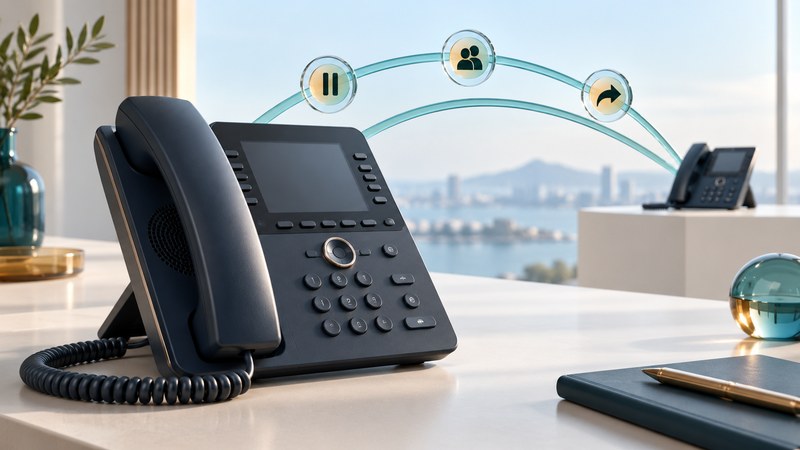
Learn an IP desk phone by practicing complete conversations: answer, hold, consult, transfer and retrieve. The important result is where the caller ends up and what each person can hear. Button names and available features depend on the handset, firmware and calling platform.
This guide is for a receptionist, new employee or person preparing a desk reference. Arrange a short practice session with two colleagues and approved internal test extensions. Record the phone model and service before writing down steps. Use VoIP Phones for purchase and provisioning questions.
Match the action to the intended result
Swipe horizontally, or focus the table and use the arrow keys.
| Action | Intended result | Check in the practice call |
|---|---|---|
| Hold and resume | Keep the caller waiting while retaining the call | The caller hears the expected waiting treatment and returns to you |
| Consultative transfer | Speak to the recipient before handing over | The consultation is private and the final two people connect |
| Blind transfer | Send the call without first speaking to the recipient | Busy or unanswered behavior is understood |
| Park and retrieve | Make a held call retrievable through the platform's park mechanism | The intended person can retrieve it and knows the recall behavior |
| Shared line | Handle calls on a number appearing on several phones | Everyone knows which call is active, held or available to answer |
Mute controls your microphone; it is a separate action from hold. Have the remote participant describe what they hear during each practice step. Avoid using a real customer to discover that a consultation is audible or that a transfer sends the caller to an unexpected destination.
Practice one documented transfer
For the Cisco 8800 family using the platform covered by its official Calls guide, the transfer procedure starts from an active call: press Transfer, enter the recipient, optionally wait for an answer, then press Transfer again to finish. Waiting allows a private consultation. The same guide describes call parking, forwarding and shared-line behavior. Use the manual matching your deployment; other firmware and services can present different controls.
- Ask colleague A to call the practice extension. Confirm two-way audio.
- Tell A you are going to consult colleague B, then follow your phone's documented transfer sequence.
- Ask B whether the call can be accepted. Have A later confirm what they heard while waiting.
- Complete the transfer. A and B should be connected and your phone should leave the conversation.
- Repeat with B deliberately unavailable. Use the documented cancel/return procedure and confirm that A comes back to you.
The recovery sequence deserves a line on the desk card. If its controls are unclear, ask the administrator to demonstrate them on the actual phone before handling live calls. Hanging up is not a substitute for knowing whether the system has completed or canceled a transfer.
Handle two calls without losing the first
During a practice call, arrange a second incoming call. Observe the line indication and the options for answering, declining or letting the configured destination handle it. Check what happens to the first caller when you answer the second. Then resume the intended held call by its line or displayed identity.
Agree shared-line and park rules
Ask which people can answer, retrieve or join a shared-line call, and what privacy settings apply. Practice with the actual configuration rather than inferring permissions from a lit key. For parking, record the assigned retrieval method and what happens if nobody retrieves the call.
Use administrator-provided numbers and controls. Star codes and park ranges vary between services. Record a test outcome for both ordinary retrieval and timeout/recall; otherwise a parked caller can be forgotten while everyone assumes someone else answered.
Leave a reference that matches the desk
Fill in the desk-phone practice card with verified controls for transfer, return, park, DND, voicemail and removing temporary forwarding. Include the model, platform, date tested and support contact, but no voicemail PIN or password.
Finish a training session by removing temporary settings and making one normal incoming and outgoing call. For decisions about queues and after-hours destinations, use VoIP Phone Systems.