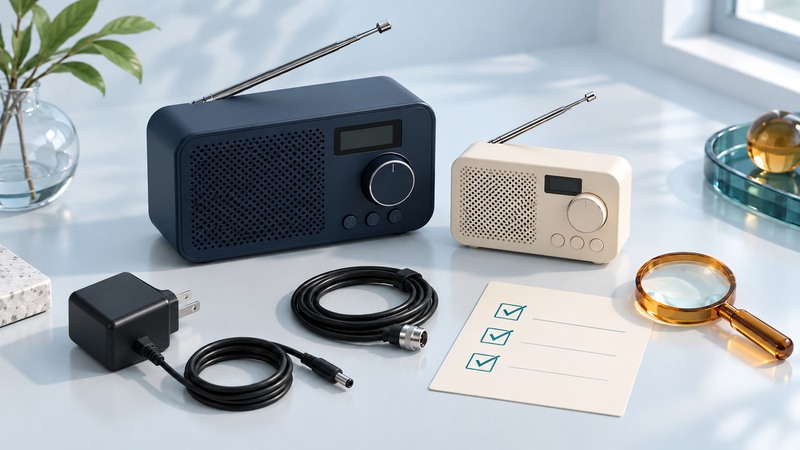
An affordable HD Radio is one that receives the programs you want, works with your listening setup and has a manageable total cost. Begin with a local station check, then compare complete packages. A low price on an incomplete used radio can become expensive once missing power, antennas or audio parts are added.
On a narrow screen, swipe a table sideways or focus it and use the arrow keys.
Decide what you are buying it to do
Write down one primary task: a kitchen speaker, quiet headphone listening, a bedroom alarm or a tuner feeding an existing stereo. Name the station and subchannel you want. Confirm the current service in the HD Radio station directory and on the broadcaster’s own website.
If the desired program already has an official stream that suits your routine, compare that route too. Over-the-air HD reception has no monthly HD Radio fee; streaming has its own device and connectivity needs. The HD Radio reception guide explains how to test local digital availability.
For a car, include installation and retained vehicle functions in the budget. A replacement head unit can require an interface, harness, antenna adapter or specialist work. This checklist focuses on tabletop, portable and stereo-tuner purchases; car fitment deserves a vehicle-specific estimate.
Read the listing as a parts inventory
| Item | What to request or verify | Why it changes value |
|---|---|---|
| Exact model and version | A readable label photo and manufacturer manual | A similar-looking analog or regional model may lack HD decoding. |
| Power | Included adapter, rating and condition | A compatible replacement can add cost and delay. |
| Antenna | Intact telescopic antenna or supported external antenna parts | Damage can undermine the reason for buying the radio. |
| Audio outputs | Headphone or line output needed for your setup | An AUX input alone cannot feed your stereo. |
| Controls and display | Readable display, tuning and volume operation | Daily usability matters more than unused features. |
| Returns | Written terms and enough time for a location test | The seller’s reception conditions differ from yours. |
Use a manufacturer specification as the reference for a feature claim. The HDR-16 product documentation distinguishes earphone, line-out and AUX-in connections. It is an example of a checkable feature list, not a recommendation based on today’s price.
Look for battery corrosion, a bent antenna hinge, damaged sockets or a failing display in photographs. Ask which functions were tested. “Powers on” establishes much less than receiving the desired digital channel and producing clean sound through the output you need.
Compare the complete usable cost
Use the HD receiver buying worksheet (plain text) to compare two candidates. Add the receiver, shipping, applicable tax, required replacement parts and any audio connection cost. Record uncertain costs as unknown until confirmed.
Do the arithmetic only after checking suitability. A receiver with the wrong output or no reliable reception of your chosen program remains a poor fit at either price. If an essential adapter’s availability is unknown, leave the purchase decision open.
Use the return period for a meaningful test
- Confirm the model, included parts and physical condition against the listing before setting up.
- Follow the manual, tune the known main station, wait for the HD indicator and select the desired HD2 or HD3 service.
- Test at your intended shelf or desk, then at a second sensible antenna location. Note repeated mutes or analog/digital switching.
- Test the output you will use: built-in speaker, headphones or stereo connection. Listen for intermittent sockets, distortion and unstable volume.
- Check presets, display readability and any alarm or sleep function central to your purchase.
- Repeat the station test at a normal listening time and decide before the return deadline.
An analog FM station name on the screen can be RDS text. Confirm actual HD decoding using the receiver’s HD indication and subchannel controls. A station that recently changed its digital service needs a broadcaster check before you conclude the hardware failed.
Keep, return, or gather one missing fact
Keep a unit when it meets the stated task, has complete supported accessories and behaves reliably in your usable location. Return a unit within the seller’s terms when an essential function fails or the required reception cannot be made practical. If the result is ambiguous, identify the next specific check: another known HD station, a correct antenna arrangement or manufacturer support.
Save the manual and a note of your successful antenna position. That short record is more useful for future troubleshooting than a generic “best radio” ranking whose prices and availability may have changed.