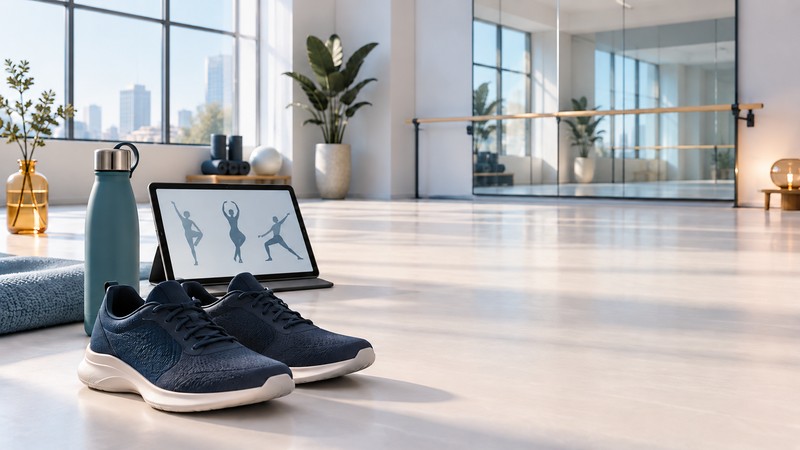
Choose a beginner dance workout by how well it teaches you. A suitable video shows the whole movement, explains the starting position and timing, and gives you a practical way to repeat a short section before adding more.
Match the class to the learning task
A follow-along fitness class keeps participants moving; a technique lesson explains a movement; a choreography tutorial builds a sequence. Decide which you want today. “Beginner” can mean simple choreography at a brisk pace, so preview a teaching segment and a transition before committing to the full class.
Look for a named instructor with relevant dance teaching experience, a clearly described audience and enough camera space to see feet and upper body together. Listen for directions before the movement changes. Prefer a class that demonstrates manageable alternatives when it includes jumps, turns or floor work.
The 2006 Nike Rockstar Workout campaign brought Jamie King’s choreography and Rihanna’s “SOS” video into dance-fitness promotion. A polished music-video performance can be inspiring; learning is easier when the instruction supplies the intermediate steps.
Use playback tools deliberately
STEEZY’s beginner guide describes introductory programs, single-move classes and playback tools including looping, speed changes, sections and mirroring. These illustrate useful features to look for in any service. Check the current access terms before subscribing.
First establish the teacher’s left/right convention. A mirrored image and a rear view can help in different ways, but switching midway through practice can confuse the direction you learned. Pick a view, test a simple step and keep the convention consistent.
Use slow playback to inspect timing and directions. For physically demanding skills, seek proper instruction and the demonstrated progression; changing video speed alone cannot make an unfamiliar move suitable.
Build one section at a time
- Preview. Watch a short teaching section and identify its starting position, travel direction and ending point.
- Learn the explained steps. Use the instructor’s breakdown. Pause when you need to find the starting position again.
- Repeat the section. Loop a manageable phrase until you can follow the order without constantly turning toward the screen.
- Join the transition. Practice the end of one phrase and the beginning of the next. A transition often needs its own repetition.
- Review. Note which section became clearer and which cue you need next time. Add complexity when the existing version feels manageable.
Set up a workable practice space
Place the screen where you can see it without repeatedly twisting, and keep cables and furniture out of the movement area. Preview how far the routine travels. Follow the instructor’s warm-up and equipment guidance; choose a simpler class if the space or teaching does not fit.
The NHS recorded dance-class safety information explains that general fitness videos are not treatment for a particular condition. Seek individual advice when health circumstances make suitability uncertain; stop if exercise causes pain or you become unwell. The linked class is belly dance, offered as an example of clear audience and safety information rather than hip-hop instruction.
For aerobic effort, the CDC talk test describes moderate activity as allowing conversation but making singing difficult. Learning with pauses and a continuous run-through can create different demands. Connect enjoyable sessions with your broader weekly activity plan. For a younger participant considering a specific older program, see the BYOU family guide.
Explore the fitness library
Browse fitness guides for planning, movement, equipment and evidence. Source links appear beside the information they support.