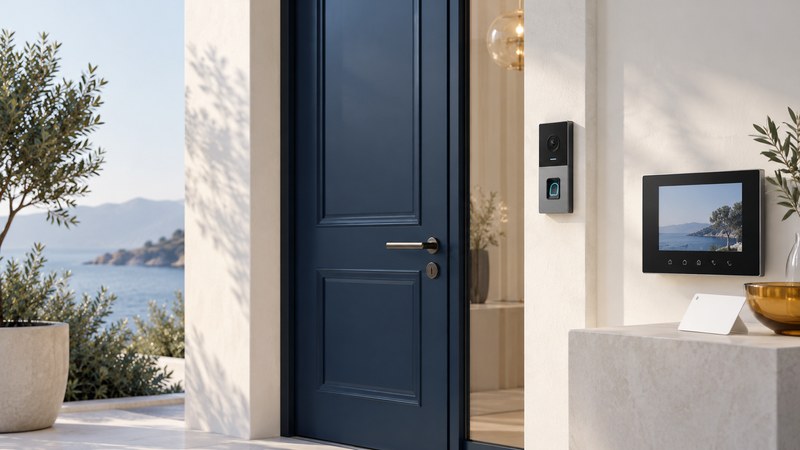
A fingerprint door phone combines biometric entry with an intercom or visitor call function. Evaluate the whole doorway: who may enter, who answers visitors, how people leave safely and what happens during a fault. A reader that recognizes a finger is only one part of that arrangement.
Separate recognition, permission and door state
The reader captures a sample and the matching system compares it with enrolled information. The access controller applies permission rules. An intercom connects a visitor to an authorized responder. The lock, door closer and other hardware control the physical opening; a contact may report whether the door is open or closed.
Ask the installer what each displayed status actually means. “Access granted” records a decision; a door contact reports another condition. If staff need to know whether a door is secured, require an explanation of the hardware and monitoring that support that conclusion.
Specify ordinary use and exceptions
| Scenario | Define in advance | What to demonstrate |
|---|---|---|
| New resident or employee | Identity check, enrollment authority and allowed doors or hours | Correct access and a usable alternative credential |
| Visitor or delivery | Who receives the call and decides admission | Call routing, audio or video and approved release behavior |
| Responder unavailable | The documented fallback contact or procedure | A caller receives useful instructions without unintended admission |
| User leaves | Removal from readers, controllers and other credential systems | Permissions revoked and completion recorded |
| Power or network fault | Approved entry, exit, fault reporting and recovery behavior | Supervised tests with the qualified installer |
Resolve exit and outage design with a qualified installer
Have the installer identify applicable building, fire, accessibility and electrical requirements and any approval needed for the actual door and occupancy. In US workplaces, OSHA 1910.36 addresses opening exit-route doors from inside without keys, tools or special knowledge and avoiding failure modes that restrict emergency use. Other jurisdictions and specialized occupancies need their own review.
Request a written explanation of power-loss behavior for the reader, controller, intercom and lock separately. Ask what backup power supports and how long the design is intended to operate under its stated conditions. Terms such as fail-safe and fail-secure describe particular hardware behavior; the installer must explain the complete approved exit arrangement.
Keep biometric recognition out of the emergency-exit dependency. Arrange tests through the installer and responsible site personnel; do not disconnect occupied-door equipment or fire-system interfaces as an improvised experiment.
Make enrollment and turnover manageable
Give enrollment authority to named administrators. Verify the person and their approved access before adding a template. Record which doors and schedules they receive, who approved them and when access should end. Offer an accessible, supported alternative for people who cannot use the reader consistently.
On departure, remove the person's biometric permission and any card, code, mobile credential or remote intercom account. Check whether changes reach every controller, including devices that were offline. Treat an unconfirmed synchronization as an open task, with an owner and follow-up, rather than assuming the central screen proves every door is updated.
Example: a resident moves out
In a fictional apartment building, management removes the resident's fingerprint and learns that their phone can still answer entry calls. The turnover checklist is expanded to cover the intercom account, alternate credential and visitor permissions. The new resident is enrolled only after former access is closed and the approved visitor workflow is demonstrated.
Ask where biometric information goes
Request a data-flow explanation: what is captured, whether images are retained, where templates are stored, who can access them, how they are protected and how deletion reaches backups or replacement devices. Keep event logs proportionate to a defined purpose and limit who may inspect them.
The UK's ICO biometric-recognition guidance explains that biometric data used to uniquely identify someone receives special-category treatment under UK GDPR. A template can remain personal data. Determine the rules and lawful basis applicable to your location and use before enrollment; a vendor's technical feature list does not settle those responsibilities.
Accept the system through user tasks
At handover, have the actual administrator enroll and remove a test user, the responder handle a visitor call and the installer demonstrate approved outage and recovery scenarios. Confirm support contacts, software-update responsibility and replacement-part availability. Keep a restricted record of outstanding issues and retest after significant changes.
Download the door-entry workflow checklist (editable text). Use it with the installer and building operator.
For a broader purchasing brief, see electronic security system planning. For biometric terminology, see palm-vein authentication and evaluation.