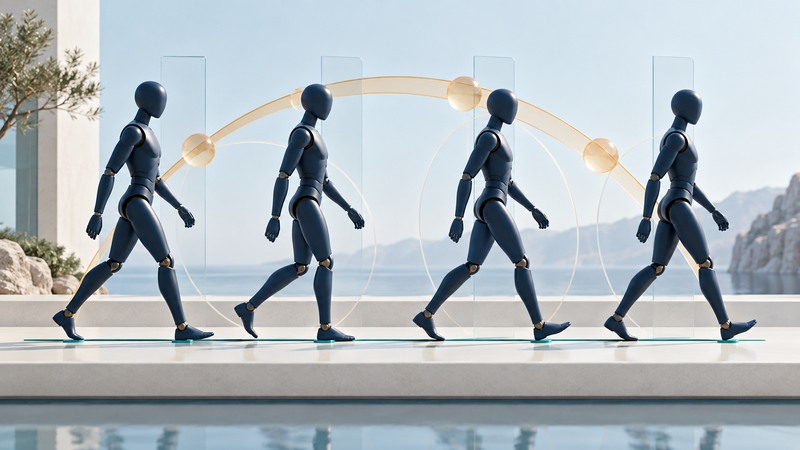
A useful motion cycle repeats without an unintended pause, preserves the character's weight, and matches how the character moves through the scene. Check those properties separately. A loop can have matching endpoint poses and still jerk, slide or drift when played in a game.
Define what repeats and what travels
A cycle is a repeating interval of motion, such as a walk, run, idle breath or mechanical rotation. For a walk, compare the same event one full stride apart—for example, one left-foot contact to the next corresponding left-foot contact. This gives you a repeat boundary that has a clear physical meaning.
An in-place walk keeps the character near one location while a game system moves the character through the world. A root-motion clip contains translation or rotation that can contribute to that movement. The right choice depends on the engine and controller design. Record which system owns movement so the same displacement is not applied twice.
For curve-based authoring, Blender's Cycles modifier API reference distinguishes repeating values from repeating with an offset. That distinction helps explain why a rotating wheel, an in-place limb motion and a traveling root channel can need different loop treatment. Use documentation for your actual Blender version when locating controls.
Inspect the loop in three passes
On small screens, swipe the table sideways. With a keyboard, focus the table and use the arrow keys.
| Pass | Look for | Likely area to inspect |
|---|---|---|
| Seam | A pop, pause or sudden speed change as the loop restarts. | Endpoint poses, interpolation tangents and duplicate boundary frames. |
| Contact | A planted foot drifting, penetrating or lifting unexpectedly. | Contact intervals, root speed, foot targets and retargeting. |
| Travel | A character skating or advancing at the wrong speed. | Cycle duration, displacement and the controller's movement rate. |
- Play several repeats at the intended frame rate and viewing distance. Note when the defect becomes visible.
- Scrub across the repeat boundary slowly. Compare pose and the direction and speed of motion on each side.
- Mark the foot-contact intervals. Track each planted foot in world space during those intervals.
- Test the exported clip in the target engine with its actual movement controller and blending settings.
Matching first and last poses establishes positional continuity. A smooth transition also needs compatible motion through that boundary. Inspect curves as well as the viewport.
Worked example: match distance to duration
Count intervals carefully. A pose keyed at frame 1 and repeated at frame 25 spans 24 intervals. If a playback or export range includes both identical endpoints as consecutive displayed samples across the loop boundary, it can create a visible hold. Confirm the target tool's range and sampling convention rather than applying one universal “delete the last frame” rule.
What the Disney work contributed
The 2017 paper Authoring Motion Cycles, by Loïc Ciccone, Martin Guay, Maurizio Nitti and Robert W. Sumner, explores extracting loops from performed input. It combines cycle extraction, direct shape/timing editing through MoCurves, and contact handling. Its examples include layered input and higher-dimensional captured motion.
The useful idea is to separate producing an initial motion from refining its timing and constraints. The paper is evidence for a particular research system and its demonstrations. It does not establish a currently supported general-purpose animation application or a universal time saving for every production.
A practical adaptation of that idea is to begin with a rough performance or keyframed cycle, identify the loop interval, then repair contacts and timing deliberately. Preserve the rough version so you can tell whether a correction improved the intended action or merely made it more mechanically uniform.
Make an animation handoff testable
For each exported cycle, record frame rate, first/last sample convention, duration in seconds, distance per cycle in the project's length units, root-motion policy, contact intervals and the rig/export version. Add one reference clip that shows several repeats in the target scene.
Change one variable at a time when debugging. If the source animation looks right but the engine version slides, compare import scale, root-motion settings, playback rate and retargeting before reauthoring the feet.
Download the motion-cycle review checklist for a plain-text record of timing, contact and engine checks. For broader context, see how to evaluate AI and procedural game techniques.