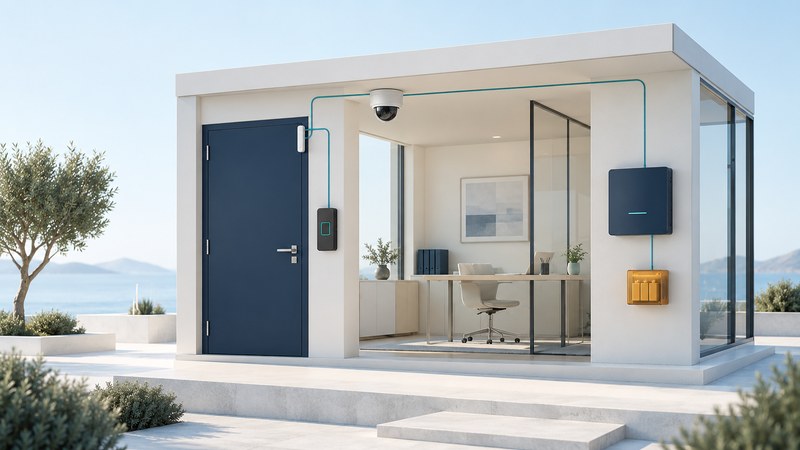
Start an electronic security project with the event you need to handle and the person who will handle it. A camera, door reader or alarm panel becomes useful when it produces the right information, reaches someone responsible and supports a defined response. For a small business or managed property, a short requirements brief makes competing proposals much easier to compare.
Write the brief before choosing equipment
List the areas involved, opening hours, authorized users and recurring problems. Use practical statements: “The closing manager needs to know whether the stockroom door remains open,” or “A receptionist needs to speak with a delivery driver before admitting them.” Identify the expected result, who needs it and how you will demonstrate it at handover.
Keep a restricted site drawing for the installer, with existing wiring, available power, network ownership and environmental constraints. Agree on which areas may be recorded and who may see recordings. The public-facing purchasing brief can describe outcomes without exposing a detailed security layout.
| Part | Purpose | Question for the proposal |
|---|---|---|
| Sensors and contacts | Report an observed condition or event. | What does this detect, and how is a fault distinguished from an alarm? |
| Cameras and recording | Provide views and retained evidence within the agreed scope. | Can staff retrieve and export a useful example under expected lighting? |
| Access control | Apply permissions to an entrance and record selected events. | Who can grant, remove and review access? |
| Alarm handling | Deliver an event to a person or monitoring service. | Who acknowledges it, verifies it and escalates it? |
| Power and communications | Support operation and communicate failures. | What still works during each kind of outage, and for how long? |
Require a demonstrated integration
Ask for exact models, software versions, licenses and the functions that will work together. For network video, the ONVIF product database ties conformance to a specific firmware or software version. Company membership alone does not establish product conformance. ONVIF profiles describe interoperable feature sets; optional functions and the intended client/device combination still need checking.
Turn a phrase such as “integrates with cameras” into a demonstration: an authorized test event appears with the correct location, timestamp and relevant video; the assigned operator acknowledges it; and the event remains retrievable. Record any manual steps. A system that needs staff to copy information between screens may still fit, provided the staffing and response expectations account for that work.
Compare the whole ownership cost
Give each supplier the same brief. Separate equipment and installation from recurring monitoring, cloud storage, connectivity, licenses, maintenance and call-out charges. Ask what happens at contract end: which hardware remains usable, who owns administrator accounts, how records can be exported and whether another maintainer can take over.
Assign an internal owner for updates, accounts and service renewals. Agree on the supplier's support period and how you will learn that a component is approaching end of support. Have your IT owner approve network connections and remote service access. Include account removal when a contractor or employee leaves.
Worked planning example: a small office
This fictional office wants to manage deliveries and investigate stockroom access. Proposal A includes extra cameras but leaves visitor calls with an unattended phone after 5 p.m. Proposal B includes a documented after-hours visitor procedure and an access-removal demonstration. The brief reveals the decision: first resolve the unattended visitor workflow, then compare camera coverage and total costs. Device quantity alone cannot answer the operational question.
Agree on acceptance before installation
- Normal operation: demonstrate each agreed use case with authorized participants and record the result.
- Failures: have the installer demonstrate approved loss-of-network and power scenarios, fault messages, recovery and any lost records.
- Ownership: verify administrator access, current documentation, configuration backup arrangements and support contacts.
- Training: have the actual operator retrieve an event, remove a test user and follow the escalation procedure.
- Exceptions: assign unresolved items an owner and a retest date before accepting them as closed.
Door hardware, fire systems and emergency exits require qualified design and the applicable local approvals. In US workplaces, OSHA's exit-route requirements address opening doors from inside and avoiding devices whose failure restricts emergency use. Have the installer explain the approved arrangement for each door; a generic “fail-safe” label is insufficient as a design specification.
Download the system proposal worksheet (editable text). Complete the same requirements and acceptance fields for each supplier.
Continue with perimeter detection planning, door-entry workflows or network-camera setup and recording.