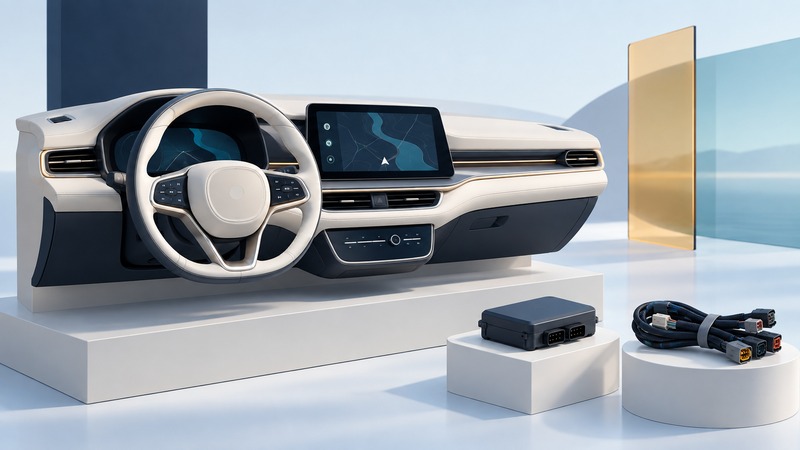
A useful vehicle-electronics upgrade preserves the functions you rely on while adding a clearly defined capability. Begin with the exact vehicle and factory equipment, then identify the receiver, interfaces, mounting parts and software needed for the whole installation.
This guide helps an owner prepare an installer brief for audio, navigation, phone integration or passenger entertainment. It is a compatibility and handover guide. Vehicle service documentation and the chosen products govern wiring, installation and any interaction with safety systems.
Define the result in the driver’s language
Write the task before choosing the screen: clearer hands-free calls, directions from a supported phone, reliable music playback, or rear-seat entertainment. Record the year, make, model, trim, market and factory radio/audio package. Photograph the current controls and note amplifier, camera, steering-wheel, climate and vehicle-settings functions.
A larger display can still make a common task harder if its controls are unfamiliar or block another control. Check reach, visibility, glare and access to existing switches with the vehicle parked. NHTSA’s distraction guidance includes interaction with entertainment and navigation systems among activities that divert attention from driving. Configure destinations and complicated settings while safely parked; retain the installed system’s driving restrictions.
Build a feature-retention matrix
On a narrow screen, scroll the table horizontally. Keyboard users can focus the table region and use the arrow keys.
| Function | Ask the installer | Acceptance evidence |
|---|---|---|
| Steering-wheel buttons | Which buttons and long-press actions will work, and through which interface? | Try each agreed function while parked. |
| Factory amplifier and speakers | Is the amplifier retained, bypassed or replaced, and why? | Check every speaker, balance/fader and clean sound at normal levels. |
| Cameras and parking information | Which camera views, guidelines and sensors are retained? | Verify the agreed views and alerts in a controlled installer demonstration. |
| Climate and vehicle settings | Where will menus appear after the original radio is removed? | Open and operate the agreed menus. |
| Warning chimes and telematics | Which alerts and connected services remain supported? | Record a vehicle-specific verification procedure and its result. |
| USB, microphones and antennas | Which original parts remain usable; which require adapters or replacement? | Test each promised connection with the owner’s phone and media. |
Fitment is more specific than a connector matching. For example, PAC’s RP4.2-BM21 compatibility notes identify exclusions involving certain amplifiers and an original display. This illustrates why you should obtain the exact adapter instructions and exceptions for your own vehicle. It is not a recommendation for that adapter or evidence of compatibility with another car.
Check the receiver and phone together
Write down exact model numbers for the head unit, integration module, harness, fascia, antenna adapter, microphone and any camera interface. Check which firmware and configuration the interface requires. Ask who can update or restore it if the vehicle or phone software changes.
For phone projection, verify the supported connection method and the receiver/phone combination. Apple’s CarPlay setup instructions distinguish wired and wireless setup and direct users to the vehicle documentation. A USB socket used for charging may have different data capabilities from the socket used for projection; test the specified port and an appropriate data cable.
- Pair the owner’s actual phone and test a call, microphone quality, music, directions and ordinary reconnection.
- For multiple drivers, agree how the system selects a phone and how another driver changes it.
- For passenger media, check the promised source, sound route and formats; keep driver-facing video restrictions intact.
- Document account ownership and subscriptions separately from installed hardware. A screen that opens an app has not yet demonstrated that every desired service is included.
Compare complete installation proposals
Include parts, labor, configuration, any required subscriptions and the handover test in the written scope. Ask how reversible the work is, what original parts will be returned and who handles an incompatibility discovered during installation. Use an installer with the vehicle-specific documentation and equipment required for the work.
Accept the installation with a recorded test
- With the vehicle safely parked, compare the finished installation with the agreed feature matrix. Check secure fit, accessible controls and unobstructed vents or displays.
- Test normal audio, microphone and phone reconnection, including another agreed phone if relevant. Check night dimming using the normal supported controls.
- Have the installer demonstrate retained camera, alert and vehicle-setting functions under the appropriate controlled conditions. Record omissions and unexpected warnings for correction.
- Verify ordinary shutdown and restart behavior. If power or battery-drain concerns exist, ask the installer for a documented vehicle-specific check rather than guessing from the screen turning dark.
- Collect model numbers, firmware/configuration details, manuals, warranty/support contacts and removed parts. Retest any failed item before calling the job complete.
A short follow-up log helps distinguish a cable problem, a phone update and an installation fault. Record the phone version, connection method, symptom and whether the same issue occurs with another supported cable or phone. Preserve the original installation record so support can reproduce the configuration.
Keep a working record
Download the mobile worksheet (editable text). Save a copy, fill in the fields for your situation and record exceptions as well as successful checks. The worksheet includes its purpose, source links and any example assumptions.