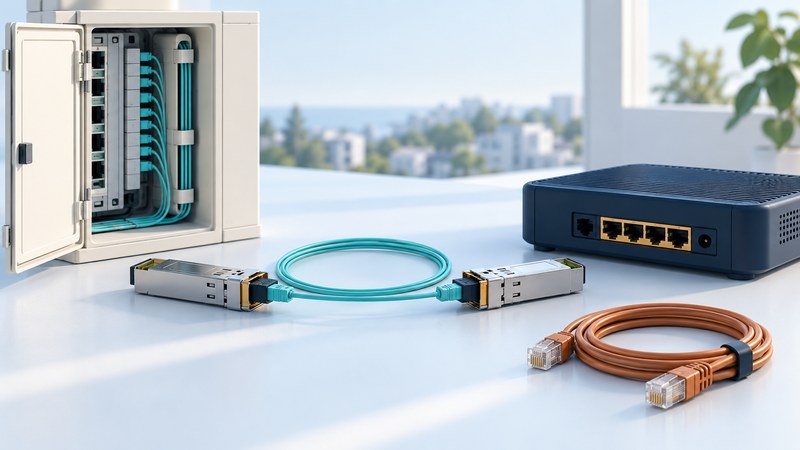
Ethernet in the First Mile extended Ethernet into access networks joining customers to providers. A useful modern reading separates three questions: what carries the access link, what service the provider delivers, and what interface your equipment receives.
Place Ethernet in the First Mile in context
The IEEE 802.3 Ethernet in the First Mile task force completed its work with approval of IEEE 802.3ah in June 2004. Its work covered copper access, point-to-point fiber and Ethernet passive optical networks, along with operations, administration and maintenance capabilities.
Those are different physical arrangements. A point-to-point optical link joins a pair of endpoints; a passive optical network distributes the connection through passive splitters under the access system’s control. Copper access uses the supported copper medium and signaling. Equipment should be selected for the actual access technology and service specification, rather than the general word “Ethernet.”
Read the service handoff separately
| Layer of the order | Ask the provider | Keep in the installation record |
|---|---|---|
| Access network | What technology reaches the premises, and who maintains its equipment? | Access type, demarcation location and support responsibility. |
| Customer interface | What port, connector, speed and negotiation settings are required? | Exact handoff specification and approved equipment. |
| Service behavior | Which VLAN, frame-size and rate commitments apply? | Configuration sheet and agreed throughput test. |
| Operations | How are faults, maintenance and service restoration handled? | Contact route, hours, escalation and acceptance results. |
An Ethernet socket at the customer site tells you about that interface. The provider may use a different transport beyond the demarcation. Keep the interface speed separate from the contracted service rate, and clarify whether a quoted rate is committed, shared or burstable. For business network context, see the IP/MPLS explanation.
Match both ends of an optical link
Check the exact module and host compatibility, fiber type, connector, transmit and receive wavelengths, optical budget and permitted reach. For a concrete example, Cisco’s Gigabit Ethernet SFP data sheet describes complementary 1000BASE-BX10-D and BX10-U optics on a single strand of single-mode fiber: D transmits at 1490 nm and receives at 1310 nm; U uses the opposite directions.
That example explains why two modules with the same connector can be an unsuitable pair. Use the manufacturer’s exact part numbers and host support matrix. Match the transmit range of each end to the other receiver’s requirements, including both minimum sensitivity and overload limits. Cable distance alone leaves connector losses, splices and the receiver power range unresolved.
Ask the installer for the measured path loss and endpoint optical readings, using the equipment’s specified procedures. Leave optical handling and testing to appropriately equipped personnel. Record a working baseline so later changes can be compared with the accepted installation.
Accept the service with a repeatable test
- Confirm the provider’s demarcation, device ownership and final configuration sheet.
- Check that the agreed customer interface establishes a stable link with the required settings.
- Run the agreed service test between specified endpoints, recording both directions, duration, load and results.
- Exercise the applications that motivated the order and record latency or loss where relevant.
- Save the configuration, test record, circuit identifier and fault-reporting instructions together.
Hypothetical order review
A business receives a 1 Gbps Ethernet handoff for a service with a 200 Mbps committed rate. The port’s 1 Gbps link indication confirms the interface connection. The acceptance test should evaluate the purchased 200 Mbps service and its other commitments, using the provider’s agreed method.
If the handoff fails to establish a link, start with the documented interface and optical compatibility. If it links correctly but misses service targets, use the test endpoints and provider records to investigate beyond the local port. Keep those two findings distinct in a fault report.
Explore the Internet library
Internet: Connections, Networks and Online Life brings together connection choices, network explanations, travel connectivity and practical online tasks.