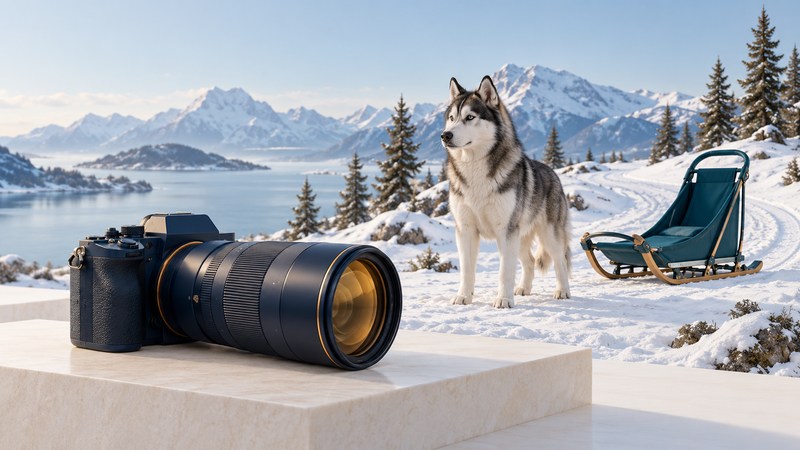
A useful sled-dog picture shows how the team moves through a place. Learn the team positions, choose an organizer-approved viewpoint, and plan a short sequence: the setting, the moving team and a telling detail. Clear captions make the photographs more useful long after race day.
Read a team from front to back
The National Park Service’s Science of Sled Dogs teacher guide (PDF) explains the basic paired-team positions. Its context is Denali’s working dogs; race teams vary in size and arrangement. Use the layout to read a photograph, then verify the actual team with its handler or event information.
Scroll the table horizontally; keyboard users can focus it and use the arrow keys.
| Position | Role | What to show in a picture |
|---|---|---|
| Lead | Guides the team along the trail and responds to directions | Room ahead of the dogs and the direction of travel |
| Swing | Helps the team follow turns behind the leaders | The curve of the team on an unobstructed bend |
| Team | Contributes pulling power through the middle | Rhythm, spacing and the line of the whole team |
| Wheel | Works closest to the sled, including through tight turns | The relationship between the rear dogs and sled |
Position describes an assignment, not a breed. A cropped portrait may leave the assignment impossible to determine. The Denali kennels page provides an official starting point for photographs and information about a working sled-dog program.
Plan access before camera settings
Check the event’s current spectator information and ask where photography is permitted. For the Wyoming event associated with this page’s original race coverage, start with the official Stage Stop Race website. Confirm the day, stage, viewing area and any changes before travelling.
Choose a position behind the designated boundary with a clear view and enough room to remain stationary as teams approach. Follow marshals’ directions. Keep people, bags and equipment out of the course, and ask permission before approaching dogs or photographing close details in team areas. A longer lens can improve framing from a permitted position; entering the trail is not a camera-setting solution.
- Establish the setting: include the trail, weather and surrounding landscape.
- Show the action: leave space in front of the team and watch for a clean background.
- Add a detail: with permission, photograph equipment or a quiet preparation moment.
Start with motion, then check snow exposure
For a camera with manual controls, try a shutter speed around 1/1000–1/2000 second as an initial action setting. Adjust for movement, focal length and light. Continuous autofocus and a short burst can help track a passing team. These are starting choices adapted from Nikon’s snow-sport photography guidance; check your camera manual for the equivalent modes. On a phone, explore its burst or action option before the event.
Nikon’s snow-photography guide explains how bright snow can influence metering. Take a test frame and inspect both the dogs and bright areas. Adjust exposure while preserving useful snow detail; an evenly pale preview is less informative than a histogram or highlight warning.
Illustrative troubleshooting: the background looks sharp but moving paws blur. Try a faster shutter and inspect another frame. If the picture becomes too dark, raise ISO or use a wider aperture within your camera’s limits. If the entire subject is soft, check tracking and focus placement as well. Change one factor at a time so the result teaches you something.
Make the caption part of the picture
Record date, place, event and stage. Verify the musher’s identity or bib against official event information. Describe visible action precisely: a team approaching a turn, for example. A single frame offers limited evidence about speed, fatigue or overall animal welfare, so keep those claims tied to additional documented information.
Download the race-photo planning sheet for access notes, a three-shot sequence and caption fields. Keep original files and distinguish documentary photographs from generated illustrations such as this page’s hero.