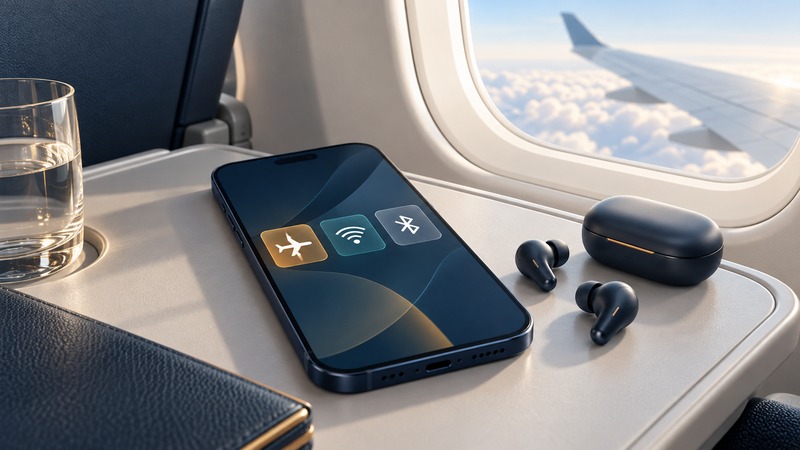
For U.S. air travel, start with airplane mode or the cellular connection disabled, then use onboard Wi-Fi when the airline permits it. Wi-Fi, Bluetooth and cellular service do different jobs. Knowing which one an app needs helps you connect without accidentally relying on a mobile network or assuming that an internet connection permits a call.
On a narrow screen, scroll tables sideways. Keyboard users can focus a table and use the arrow keys.
Understand the three connections
The FAA's passenger guidance says phones and portable electronic devices must have airplane mode on or their cellular connection disabled; permitted Wi-Fi use depends on installed aircraft service and airline approval. Follow crew instructions about when devices may be used and when they must be stowed.
| Connection | Typical job | Check before using it |
|---|---|---|
| Cellular | Mobile-network voice, SMS and data | Keep disabled under the applicable flight instructions. Airborne mobile service has separate availability, regional rules and billing. |
| Wi-Fi | Join an onboard portal or internet service | Airline permission, network name, account and access tier. |
| Bluetooth | Connect nearby accessories such as headphones | Device setting and airline permission; it does not itself provide internet. |
Airplane mode is a convenient starting setting, but the device may remember individual radio choices. Check the settings screen rather than inferring every radio's state from a single symbol.
Set up your device before takeoff
- Download the content you need and open it once while offline. Save the airline-supported boarding pass before losing ground connectivity.
- Activate airplane mode when instructed. Confirm the cellular connection is disabled.
- Enable Wi-Fi if the airline permits it, then use the exact network and portal named onboard.
- Enable or retain Bluetooth only as permitted for your accessory. Pair headphones beforehand so you can resolve problems on the ground.
- Listen to the safety briefing and follow device-stowage directions even if the connection is working.
Apple's airplane-mode instructions explain that Bluetooth can remain on and that allowed Wi-Fi and Bluetooth use can continue in airplane mode. Settings and remembered choices vary by product and software version. For another phone, consult its manufacturer's instructions for that model.
Check a cellular watch or tablet separately. A phone's setting should not be assumed to configure every other device you carry.
Match the message to the service
An internet messaging app needs compatible internet or messaging-plan access. A message that worked before departure may fail because the current tier excludes attachments, the recipient uses a different service, or the app tries to fall back to cellular SMS.
Ordinary SMS and carrier features over Wi-Fi depend on your phone, carrier and onboard service. Arrange a non-cellular authentication method before a flight if your work account requires it. Treat message delivery as confirmed only when the app reports the relevant status; a queued message may wait until connectivity returns.
The Delta Wi-Fi guide lists supported messaging and connection details and prohibits in-flight voice and video calls, including calls over Wi-Fi. Read your own airline's policy: a working call button or a Wi-Fi-calling setting does not establish permission to have a conversation.
Check airborne mobile service as a separate purchase
Some flights outside the usual U.S. onboard setting may advertise mobile connectivity. Before enabling cellular service, establish that the crew permits it in the current airspace, that your carrier supports the network and that you understand the charges for voice, text and data.
Country-based roaming packages can have exclusions. For one documented example, AT&T's business international-data plan terms exclude aircraft coverage. That is a specific plan example, not a statement about every AT&T plan. Ask your own provider about the actual airborne network and plan before use.
To stay with the airline's permitted Wi-Fi service, keep cellular disabled. Turning off data roaming alone is a different setting and should not be used as a substitute for the required in-flight radio configuration. After landing, re-enable cellular when permitted and review roaming settings for the country you have entered.
A simple connection check
For a missing portal, a failed login or a slow internet session, follow the in-flight Wi-Fi troubleshooting sequence. Keep downloaded content and essential travel details available so that phone usefulness does not depend on a live connection.