The Breville Precision Brewer offers several ways to make filter coffee. Begin with a documented batch in Gold mode, then use the controls to answer a specific taste question. This guide refers to the US BDC450/BDC455 manual; verify your model and regional instructions before applying its details.
Match the manual and prepare a baseline
Use the US Precision Brewer manual for assembly, first-use preparation, water-hardness setup, filter selection and maintenance. Identify supplied parts before trying accessories.
Its full batch is 60 US fluid ounces, approximately 1.8 liters. The 12-cup description therefore uses roughly 5-ounce cups. Use either the appropriate paper filter or mesh filter as instructed; never combine them. For a single cup, respect the SINGLE CUP MAX line and receiving vessel capacity because the brewer uses the water added.
Choose one bean, a suitable filter-coffee grind and a scale. Record coffee mass, water amount, basket/filter, mode and result. Follow the manual's capacity and basket instructions, then keep that setup consistent during comparisons.
Choose a mode for the job
On a narrow screen, scroll the table sideways. Keyboard users can focus the table region and use the arrow keys.
| Mode | Role | Useful question |
|---|---|---|
| Gold | Automatic baseline | How does this coffee taste before custom changes? |
| Fast | Quicker batch brewing | Does the time saved suit this batch and my taste? |
| Strong | Stronger-style preset | Do I prefer this preset with the same ingredients? |
| My Brew | Adjustable temperature, bloom and flow | Which single change improves my baseline? |
| Over Ice | Concentrated brew for ice | Am I following the stated volume instructions? |
| Cold Brew | Timed cold steeping | Have I allowed time and planned suitable storage? |
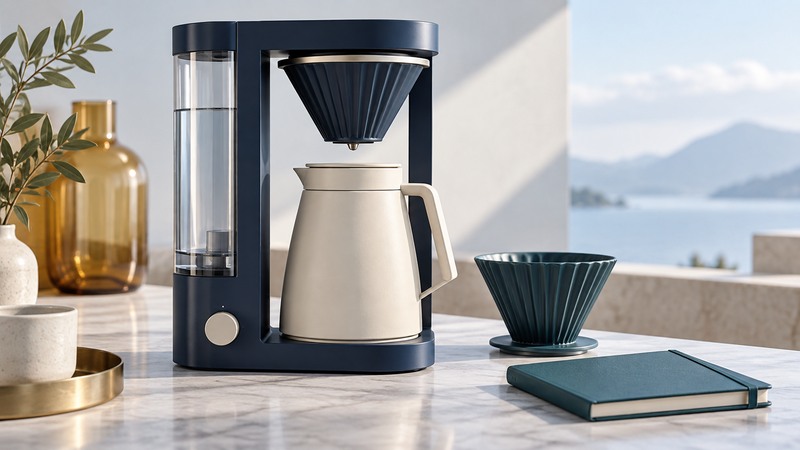
The cited US manual includes the pour-over adapter with BDC455 and lists it separately for BDC450. Confirm compatibility and package contents when buying. The conceptual illustration above should not be used to identify parts.
Run a controlled taste comparison
For My Brew, write down the displayed settings before changing one. State the purpose in your log: “Test whether a slightly coarser grind improves the drying finish” is more useful than “make it better.” Keep the earlier recipe so you can return to it.
The SCA certified brewer list offers a separate check on exact models. A standardized mode gives a reference point; preferred taste still depends on the coffee and recipe.
Investigate the symptom before changing settings
On a narrow screen, scroll the table sideways. Keyboard users can focus the table region and use the arrow keys.
| Symptom | First check | Then compare |
|---|---|---|
| Poor drainage or overflow | Correct filter, dose, grind and seating against the manual | Return to a supported recipe and make one permitted change. |
| Thin coffee | Recorded coffee-to-water amount and batch size | Compare grind once the recipe is consistent. |
| Harsh or drying finish | Clean equipment, bean choice and repeatability | Try a small grind change before several My Brew changes. |
| Unexpected drink volume | Water added, cup definition and receiving vessel | Measure in liters or US fluid ounces; allow for retained water. |
| Slower brewing over time | Cleaning and descaling status | Complete required maintenance before blaming grind. |
For an error or persistent flow problem, use the manual's troubleshooting and service route. Brew settings cannot resolve every mechanical or maintenance issue.
Keep the recipe and maintenance record together
Download the brewing log and enter model and mode for each trial. Add cleaning or descaling dates and the procedure followed. That context can help explain why a familiar recipe behaves differently.
Save the complete successful combination. A mode name alone leaves out coffee, grind, quantity and filter—the details needed to make it again.