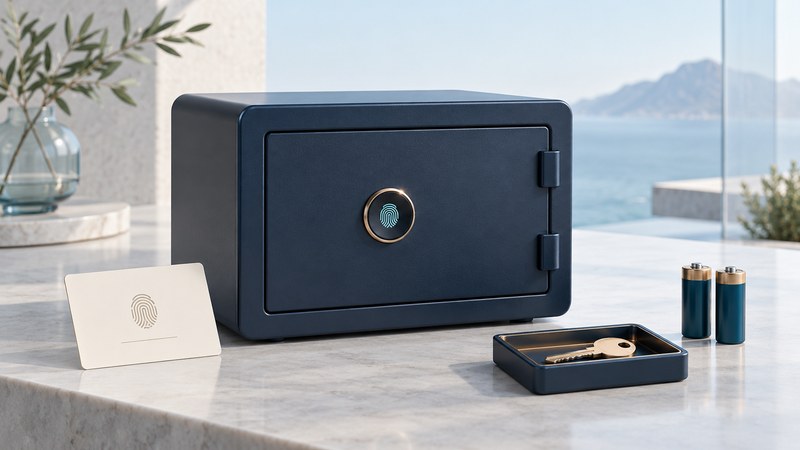
A biometric safe uses a fingerprint or another biological characteristic as part of its access system. Evaluate it in two parts: how reliably authorized people can enter and recover access, and what protection the enclosure provides for its contents. A successful fingerprint demonstration answers only a small part of the buying decision.
Start with the exact model and manual
Record the full model number before comparing features. Read the manufacturer's instructions for enrollment, administrator access, deleting users, battery replacement and recovery. Model families can have different controls even when their cases look similar. For example, SentrySafe's support site provides model-related manuals and assistance routes; use the equivalent official support for another brand.
Write down the specific contents you intend to protect. Documents, electronic media and valuables can call for different protection evidence and interior conditions. Ask for the exact model's independently supported fire, water or burglary claims, including test conditions and exclusions. Fingerprint access by itself establishes none of those enclosure ratings. The safe selection guide develops protection, fit and installation questions.
Compare everyday access and recovery
| Situation | What to establish | Useful evidence |
|---|---|---|
| First enrollment | How an owner becomes administrator and confirms completion | The exact manual and an authorized setup demonstration |
| Several users | Who may add people and whether one person can be removed | A documented user list and deletion procedure |
| Unreadable fingerprint | The approved alternative for an authorized user | A usable backup method and support contact |
| Low or exhausted battery | Warning behavior and model-specific recovery | Battery instructions and a maintenance reminder |
| Change of owner or guest | Removal of former credentials and a verified new setup | A completed turnover record |
Locate backup keys, recovery codes or documentation where an authorized person can reach them when the safe is closed. Protect them from the people the safe is meant to exclude. Keeping the only recovery method inside the safe defeats its purpose; leaving it beside the safe can undermine access control. Follow the manual on battery chemistry, orientation, replacement and any external-power connection.
Commission the safe before relying on it
Use the manufacturer's setup sequence in a controlled setting. Where the manual permits, keep the door open while confirming programming and backup operation, with contents removed. Check successful enrollment and ordinary authorized opening. Confirm how the unit signals failed enrollment, failed recognition and low power. A light or beep should mean what the manual says it means.
Ask the manufacturer how to verify that unregistered users remain excluded and that deleted credentials have actually been removed. Do not improvise a bypass test. A few successful checks support correct setup but cannot establish a statistical false-accept rate or substitute for independent product evaluation.
Check the exact model against safety notices before purchase and again when concerns arise. A 2025 CPSC warning about specified Stack-On biometric gun safes described unauthorized access caused by programming failures and directed consumers to stop using the affected biometric feature. Follow the notice for an affected product; a model-specific warning should not be generalized to every fingerprint safe.
Make shared use and guest turnover explicit
In a household, name the person who administers access and who can help if that person is unavailable. In a hotel or other managed setting, distinguish guest access from authorized staff recovery. Ask how staff recovery is approved and recorded, how guest templates are removed and how a new guest verifies setup. A front-desk assurance should be backed by a repeatable procedure.
Example: an employee leaves a small office
In this fictional case, the departing employee had a fingerprint entry and knew the backup code. The owner follows the model's removal process, changes shared recovery credentials where supported, checks the remaining authorized access and records completion. Deleting one fingerprint alone would leave the shared recovery route unresolved.
Respond to recognition problems methodically
Consult the manual for finger placement, reader cleaning and allowed retry behavior. Record whether the problem affects one enrolled user or everyone, and whether it started after a battery change or other event. Use approved recovery and manufacturer support if access remains unreliable. Repeatedly adding fingerprints without understanding administrator settings can make the user inventory harder to manage.
Download the biometric safe ownership record (editable text). Store it privately; record where credentials are kept, not the credentials themselves.