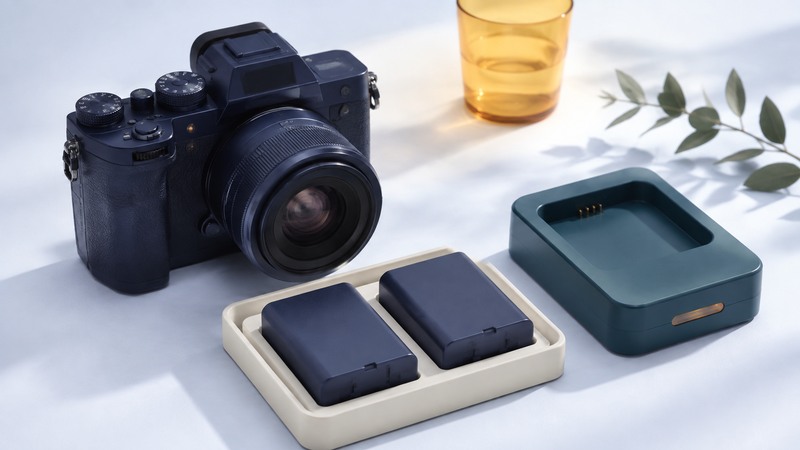
Plan camera power around the exact camera, battery and shooting session. Confirm compatibility in the camera manual, then use a representative test to decide how many charged packs or matched AA sets to carry. Still-photo counts, continuous-video minutes and mixed-use runtime describe different tasks.
Gather the camera model and firmware version, battery model, charger, planned lens, recording mode and access to charging. External power requires its own documented compatibility check.
Identify the supported power options
Start with the camera maker’s battery and accessory list. A pack with similar dimensions can have different contacts, communication or electrical requirements. For AA-powered cameras, check which chemistries are supported and any required battery-type setting. Keep each set matched and follow the charging instructions.
On a narrow screen, scroll the table sideways. Keyboard users can focus the table region and use the arrow keys.
| Option | Evidence to collect | Session check |
|---|---|---|
| Proprietary battery pack | Exact supported model, charger and handling instructions | Recognized by the camera; normal charging and stable operation. |
| AA cells where supported | Approved chemistry, set size and device settings | Matched set handles the intended flash, display and shooting load. |
| USB power | Supported port, supply protocol, cable and battery requirements | Camera indicates external power and sustains the recording mode. |
| AC adapter or coupler | Camera-approved combination and cable arrangement | Power and connection remain reliable in the actual setup. |
For an example of model-specific documentation, Sony’s ILCE-7M4 specifications identify the battery and USB power requirements. Use the corresponding manual for your own camera, even when it has the same connector shape.
Interpret the published battery test
CIPA’s DC-002 standard establishes a procedure for describing digital still-camera battery consumption. A standardized result supports comparison under stated conditions; your mix of standby, playback, wireless transfer, flash and recording can differ.
Sony’s ILCE-7M4 battery-life page separates still images, actual movie shooting and continuous movie shooting. It specifies temperature, lens, memory card and shooting behavior. The distinction is useful: a continuous recording test excludes many interruptions and operations present in an event session.
Write the rating and its conditions beside your plan. Do not convert a still-image count into video minutes. For a mixed assignment, log representative blocks of activity with the intended settings and review how much operating time each supported pack actually provides.
Build a session estimate with a reserve
Fictional video assignment: repeated tests of a supported setup give 80 minutes per charged pack in the intended mode and conditions. The assignment requires 180 minutes of camera-on operation. Applying a chosen 20% planning allowance to the observed runtime gives 80 × 0.8 = 64 minutes per pack.
180 ÷ 64 = 2.81, so plan three charged packs in total: one installed and two spares. Their planned allowance totals 192 minutes. The 20% factor is an illustrative choice, not a universal guarantee; increase the reserve or change the plan when tests vary widely or charging is unavailable.
Include rehearsal, standby, review and transfers in the 180-minute requirement if they are part of the assignment. Schedule battery swaps between takes. For an uninterrupted take longer than one tested pack can sustain, investigate an approved external-power arrangement and test the entire recording, including thermal and media limits.
Check external power in operation
Charging while the camera is off and supplying power while recording are separate capabilities. In the ILCE-7M4 external-power instructions, Sony requires a sufficiently charged installed battery, specifies the USB-C port and notes that the battery can supplement the adapter. The pack is not charged while that camera is on. This is a model-specific example of why an attached cable does not prove unlimited runtime.
Before a critical session, verify the camera’s power indication, cable security, remaining battery behavior and full-duration recording under expected conditions. Follow the exact manual when connecting, disconnecting or changing packs. Keep contacts protected during transport and remove damaged or swollen packs from service according to the manufacturer’s guidance.
Use the NiMH guide for supported AA sets and the travel power compatibility guide when choosing an adapter for the charger. Keep the completed session log with the kit so the next assignment starts with evidence.
Camera power plan and session log
Camera power plan and session log — plain-text download. Save a copy and fill it in with your own information. The file includes instructions, assumptions and references so it can be used independently.